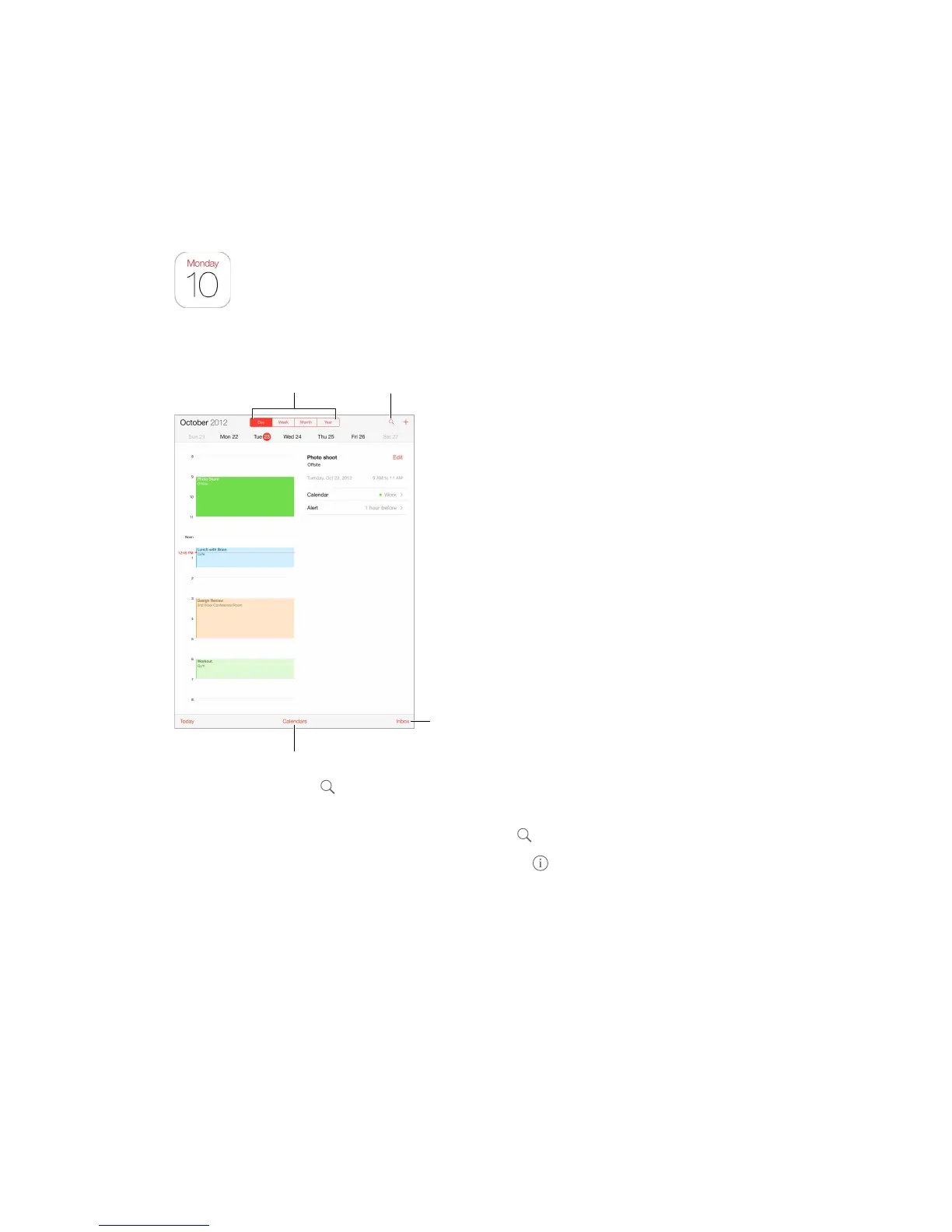
Search for events.
Search for events. Tap , then enter text in the search eld. The titles, invitees, locations, and
notes for the calendars you’re viewing are searched.
Change your view. Tap Day, Week, Month, or Year. Tap to view upcoming events as a list.
Change the color of a calendar. Tap Calendars, then tap next to the calendar and choose a
color from the list. For some calendar accounts, such as Google, the color is set by the server.
Adjust an event. Touch and hold the event, then adjust the grab points, or drag it to a new time.



 To Next Page