Chapter 1 iPad at a Glance 9
Accessories
The following accessories are included with iPad:
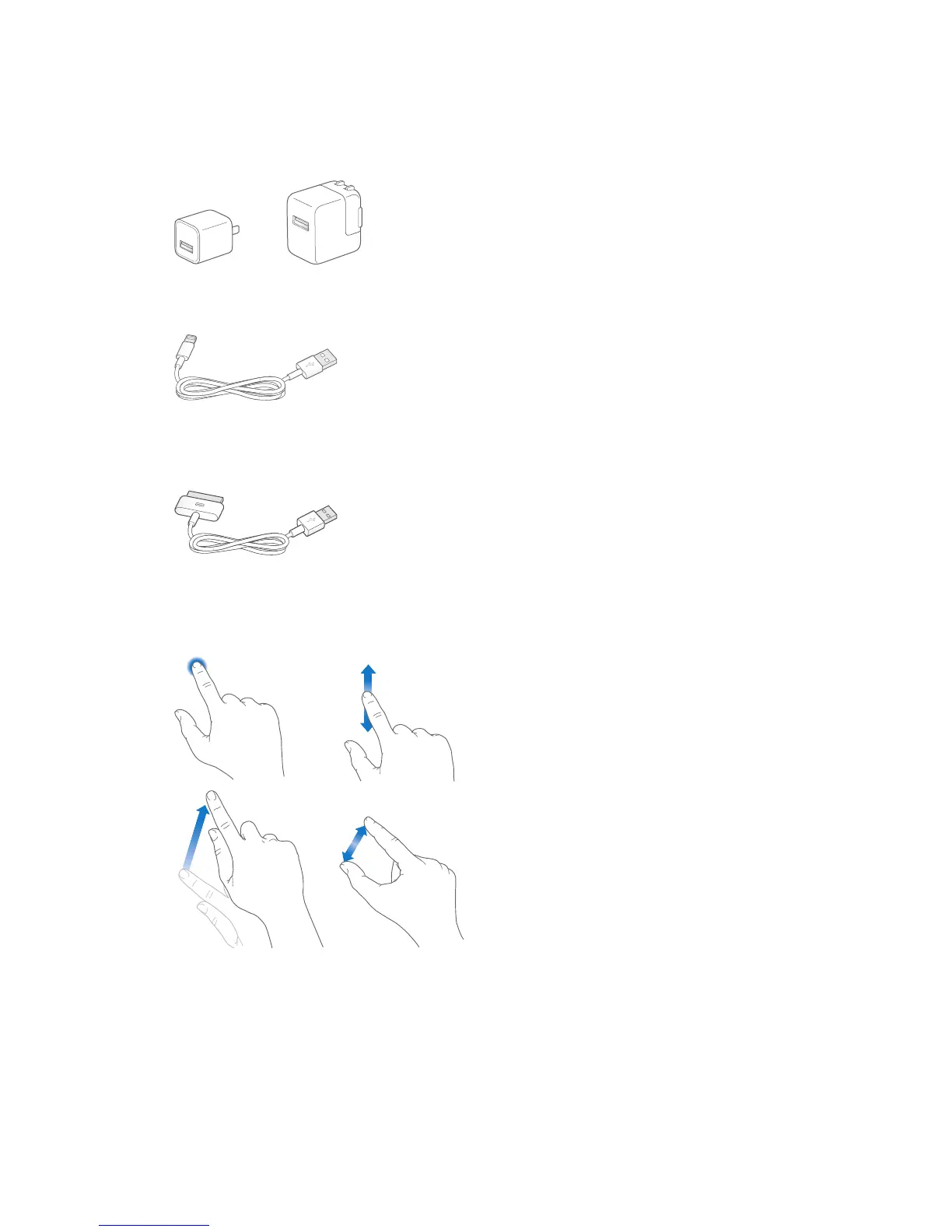
USB power adapter. Use the included adapter to power iPad and charge the battery. Your
adapter looks like one shown below, depending on the iPad model and your region.
Lightning to USB Cable. Use this to connect iPad (4th generation or later) or iPad mini to the
USB power adapter or to your computer.
30-pin to USB Cable. Use this to connect iPad 2 or iPad (3rd generation) to the USB power
adapter or to your computer. Use the cable with the optional iPad Dock, or plug it directly
into iPad.
Multi-Touch screen
A few simple gestures—tap, drag, swipe, and pinch—are all you need to use iPad and its apps.



 To Next Page