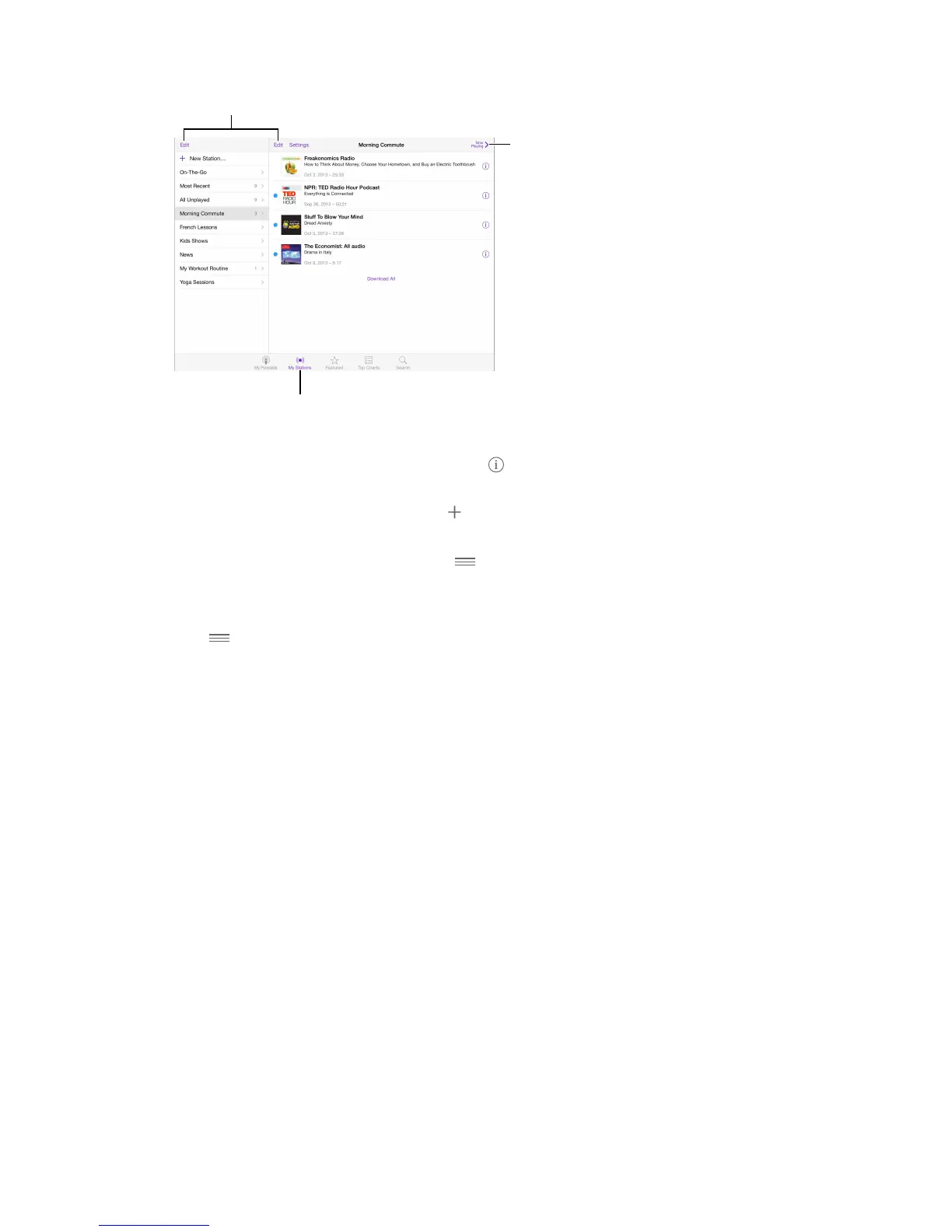
Organize selected podcasts
and episodes into stations.
Pull together episodes from dierent podcasts. Add episodes to your On-The-Go station. Tap
My Stations, tap On-The-Go, then tap Add. Or tap next to any episode in your library. You can
also touch and hold any episode, then tap Add to On-The-Go.
Create a station. Tap My Stations, then tap .
Change the order of the station list or the podcasts in a station. Tap My Stations, tap Edit above
the station list or the episode list, then drag up or down.
Change the playback order for episodes in a station. Tap the station, then tap Settings.
Rearrange your podcast library. Tap My Podcasts, tap list view in the upper right, tap Edit, then
drag up or down.
List oldest episodes rst. Tap My Podcasts, tap a podcast, then tap Settings.
Podcasts settings
Go to Settings > Podcasts, where you can:
•
Choose to keep your podcast subscriptions up to date on all your devices.
•
Choose how frequently Podcasts checks your subscriptions for new episodes.
•
Have episodes downloaded automatically.
•
Choose whether to keep episodes after you nish them.



 To Next Page