4 English
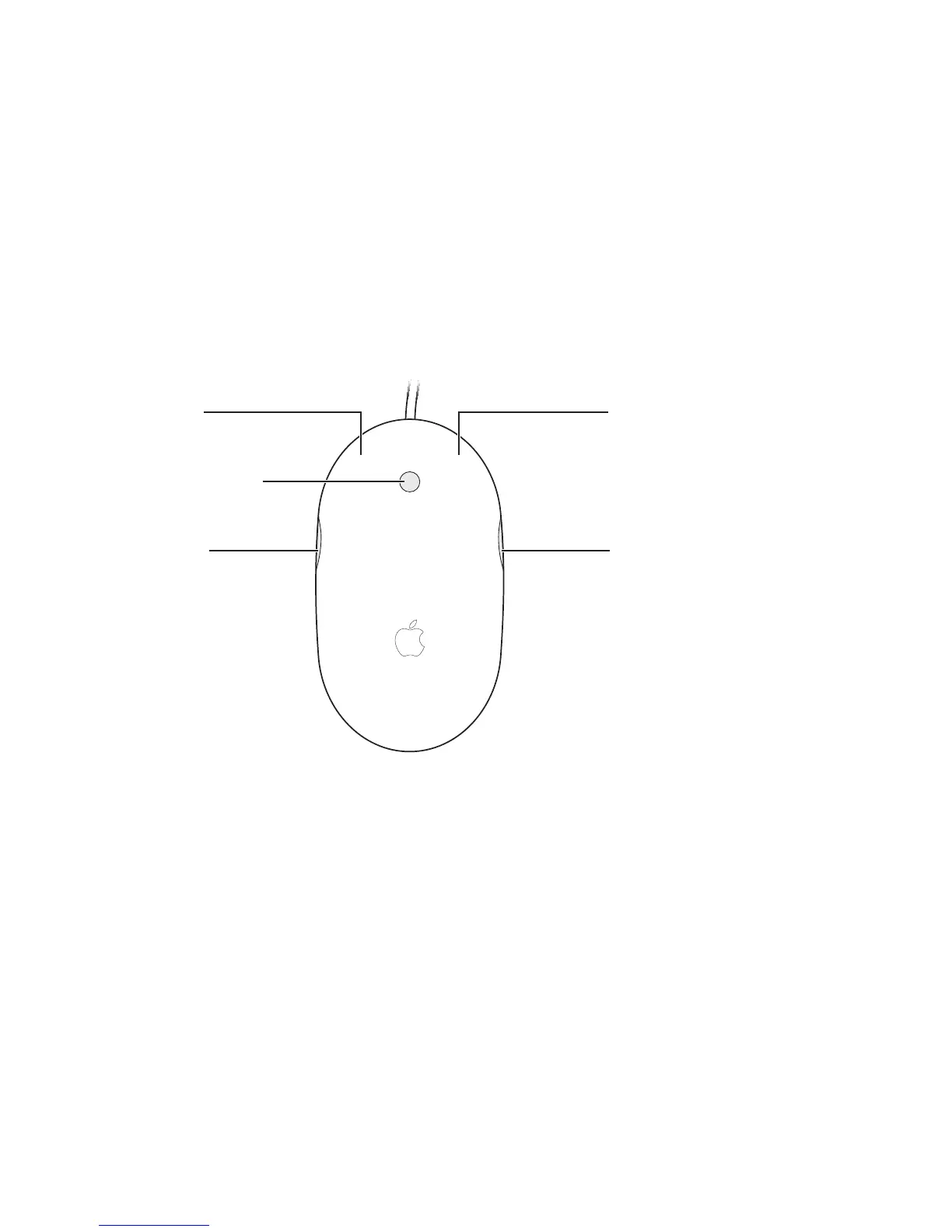
Either the left or right button can function as the primary button. Use the primary
button to click, double-click, and drag items. Either button can also function as the
secondary button. Use the secondary button to display an item’s shortcut menu.
You can assign a function to the side buttons, which work together as a single button,
and to the scroll ball, which also functions as a button.
Scroll ball (button)
Left button
Side button Side button
Right button



 To Next Page