EasyManua.ls Logo

Apple profile - Copying ProFile Files

Apple profile
42 pages
Print Icon
To Next Page IconTo Next Page
To Previous Page IconTo Previous Page
Loading...
rE!;t[|!i!FfÉ'.'rf',lFr,'!!tFÎ't"'*-*--.
-''
-
1.
2.
3.
4.
5.
6.
7.
8.
9.
10.
11.
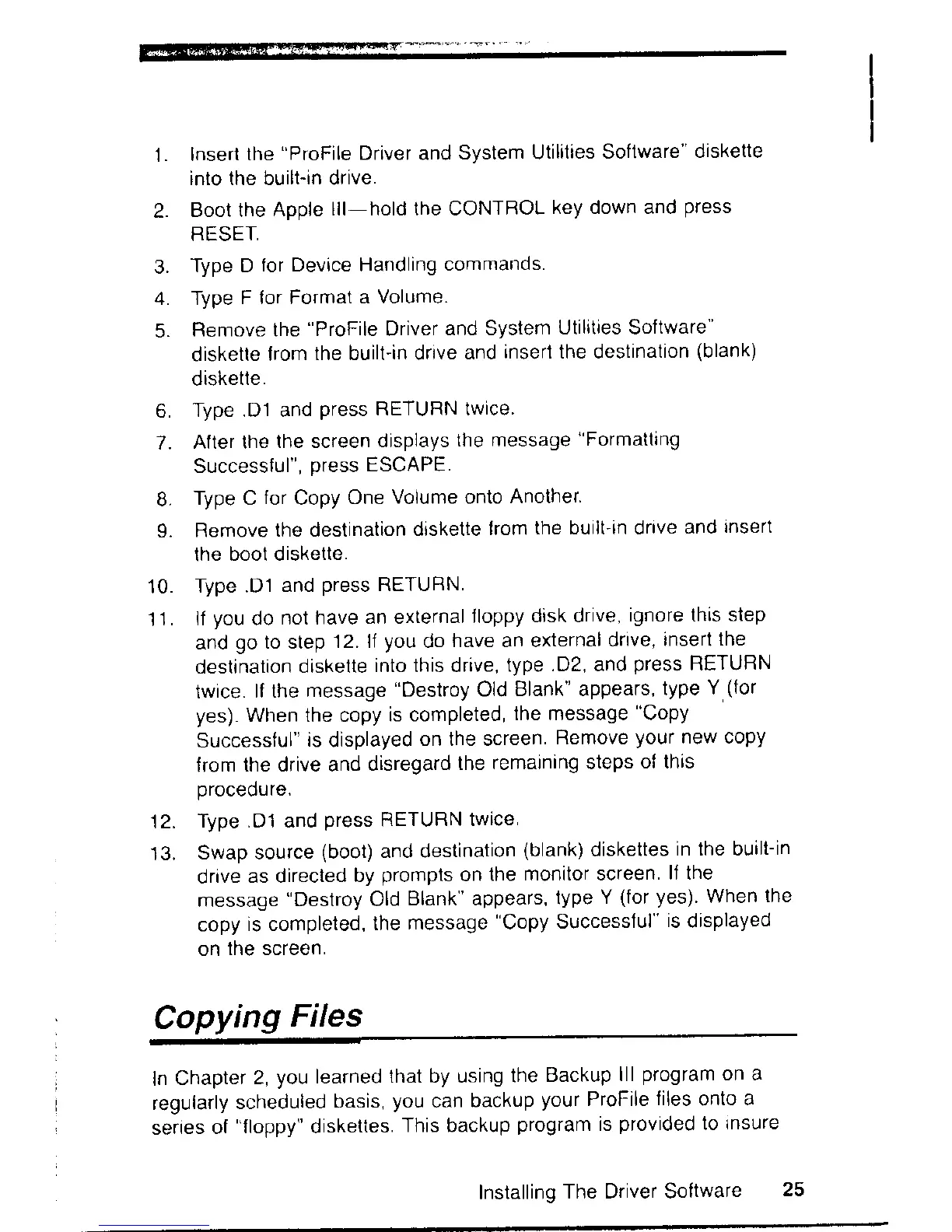
Insert
the
"ProFile
Driver and
System Utilities
Software"
diskette
into the built-in drive.
Boot the
Apple
lll-hold the CONTBOL
key down and
press
RESET,
Type D
for Device Handling
commands.
Type
F for Format
a Volume.
Remove the
"ProFile
Driver
and System
Utilities Soltware
diskette
from
the built-in drive
and
inserÎ the destination
(blank)
diskette.
Type.Dl and
press
RETURN twice.
After lhe
lhe screen
displays
the message
"Formatting
Successlul",
press
ESCAPE.
Type C
for
Copy
One
Volume onto
Another.
Remove
the destination
diskette
f rom
the built-in drive
and
lnsert
the bool diskette.
Type .D'1
and
press
RETURN.
lf
you
do
not have
an external
floppy
dìsk drive,
ignore this
step
and
go
to step
12. If
you
do
have an external
drive,
insert
the
destination
diskette
into this drive,
type
.D2, and
press
RETURN
twice.
lf the
message
"Destroy
Old
Blank" appears,
type
Y
(for
yes).
When the copy
is completed,
the message
"Copy
Successful"
is
displayed
on the screen
Remove
your
new copy
from
the drive and
disregard
the
remaining steps
of this
procedure.
Type.D1 and
press
RETURN twice
Swap source
(boot)
and destination
(blank)
diskettes
in the built-in
drive
as directed
by
prompts
on
the
monitor screen
lf the
message
"Destroy
Old
Blank' appears,
type
Y
(for yes)
When
the
copy
is completed,
the
message
"Copy
Successful"
is
displayed
on
the screen.
12.
Copying
Files
ln
Chapter
2,
you
learned
that by using
the
Backup
lll
program
on a
regularly
scheduled
basis,
you
can
backup
your
ProFile
files
onto
a
series
of
"floppy"
diskettes.
This backup
program
is
provided
to
lnsure
lnstalling
The Driver Software
25

Related product manuals