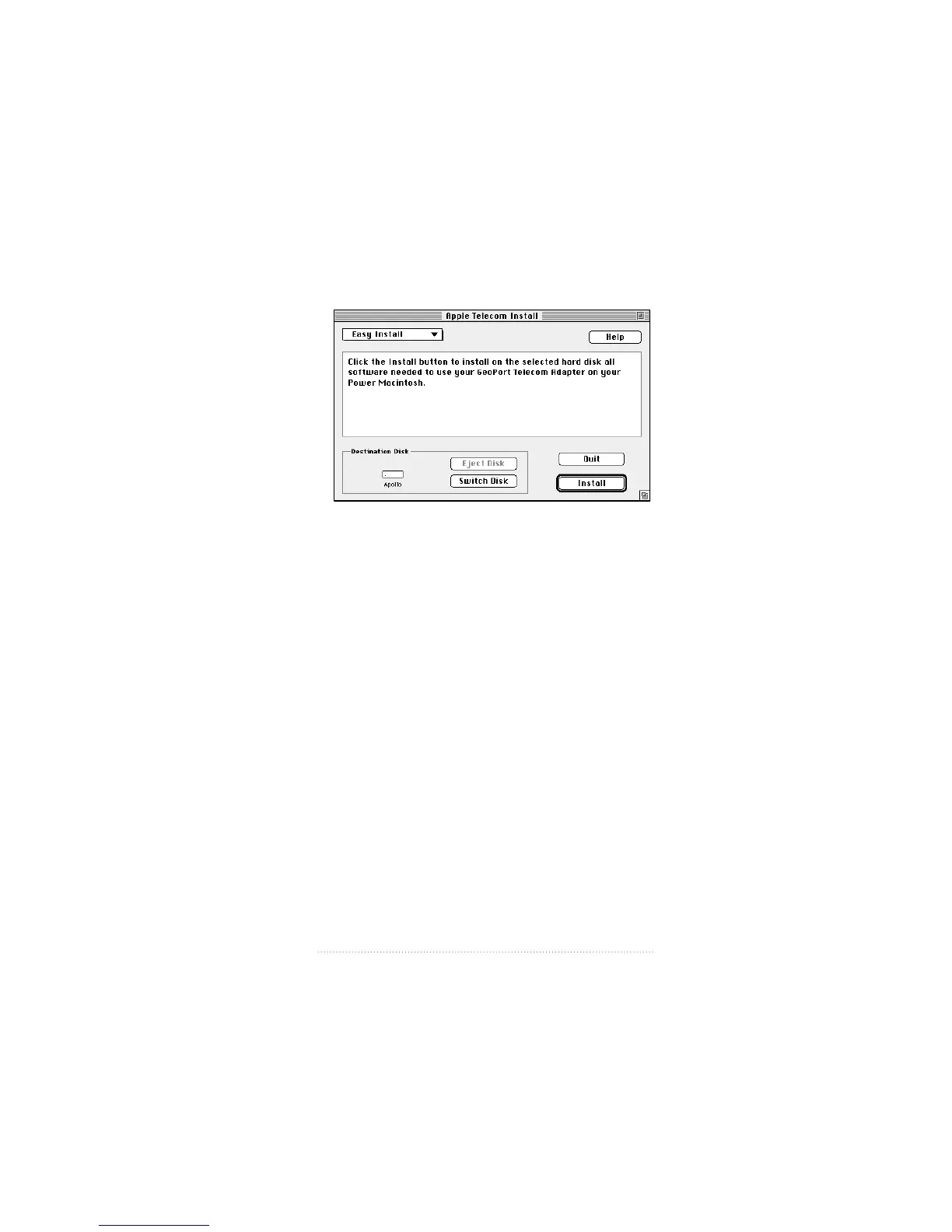
An Easy Install dialog box similar to the following appears.
Easy Install automatically detects the Macintosh model you
are using and installs the software you need.
5 Make sure the hard disk indicated is where you want to
install the software.
If the wrong disk name appears, click the Switch Disk button
until the disk you want appears.
6 Click Install.
A message informs you when the installation is complete.
You need to restart your computer in order to use your
newly installed software.
7 Click Restart to restart your computer and activate the
software.
13
Installing Your Software



 To Next Page