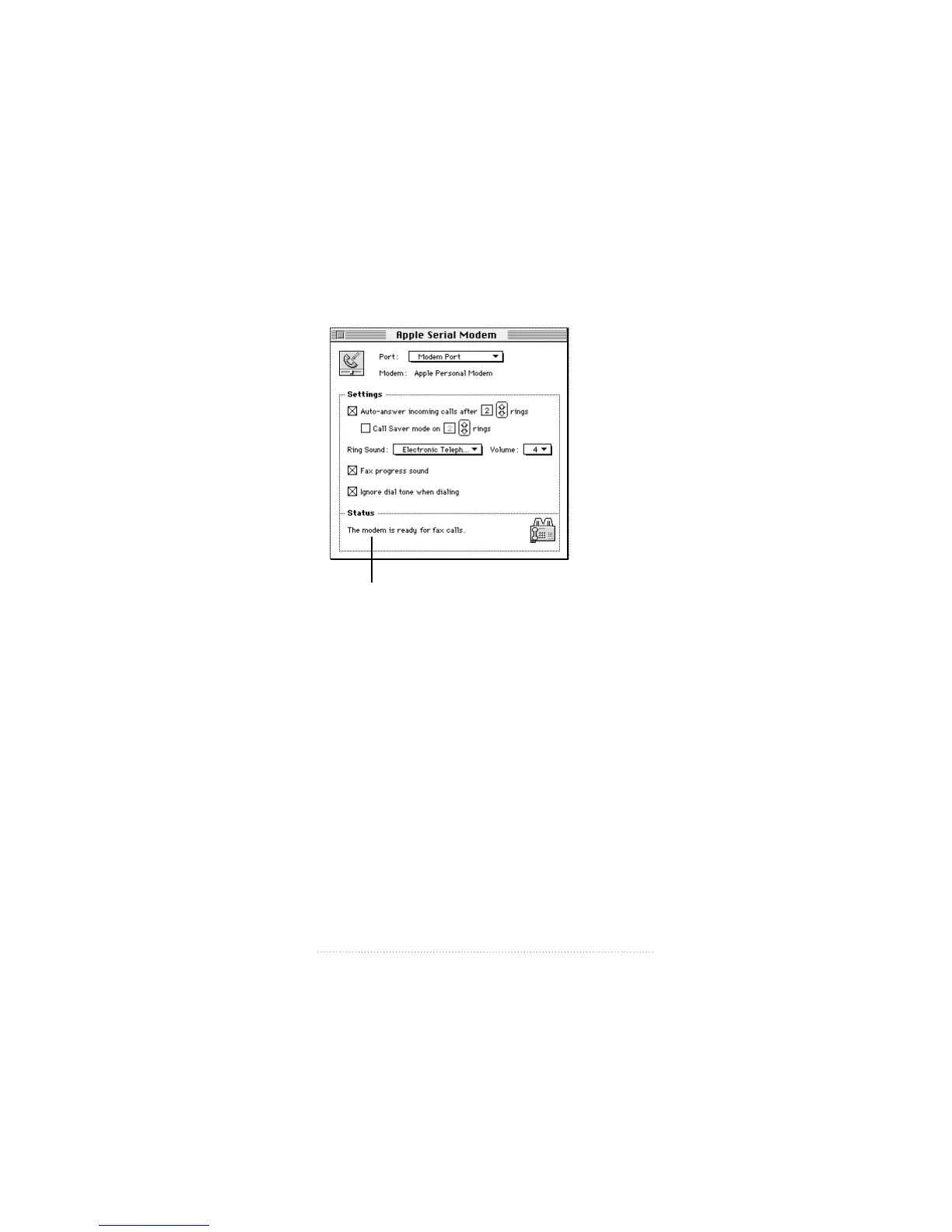
The Apple Serial Modem status display appears in the Status
section of the control panel.
You can view the connection process by stages: idle,
preparing for connection, opening a connection, and
progress of connection. The modem software monitors each
stage, displaying messages and icons.
The Status display also shows all alert messages. You can use
this display for troubleshooting purposes if you have a
problem with a connection.
51
Using Your Modem
Status information.



 To Next Page