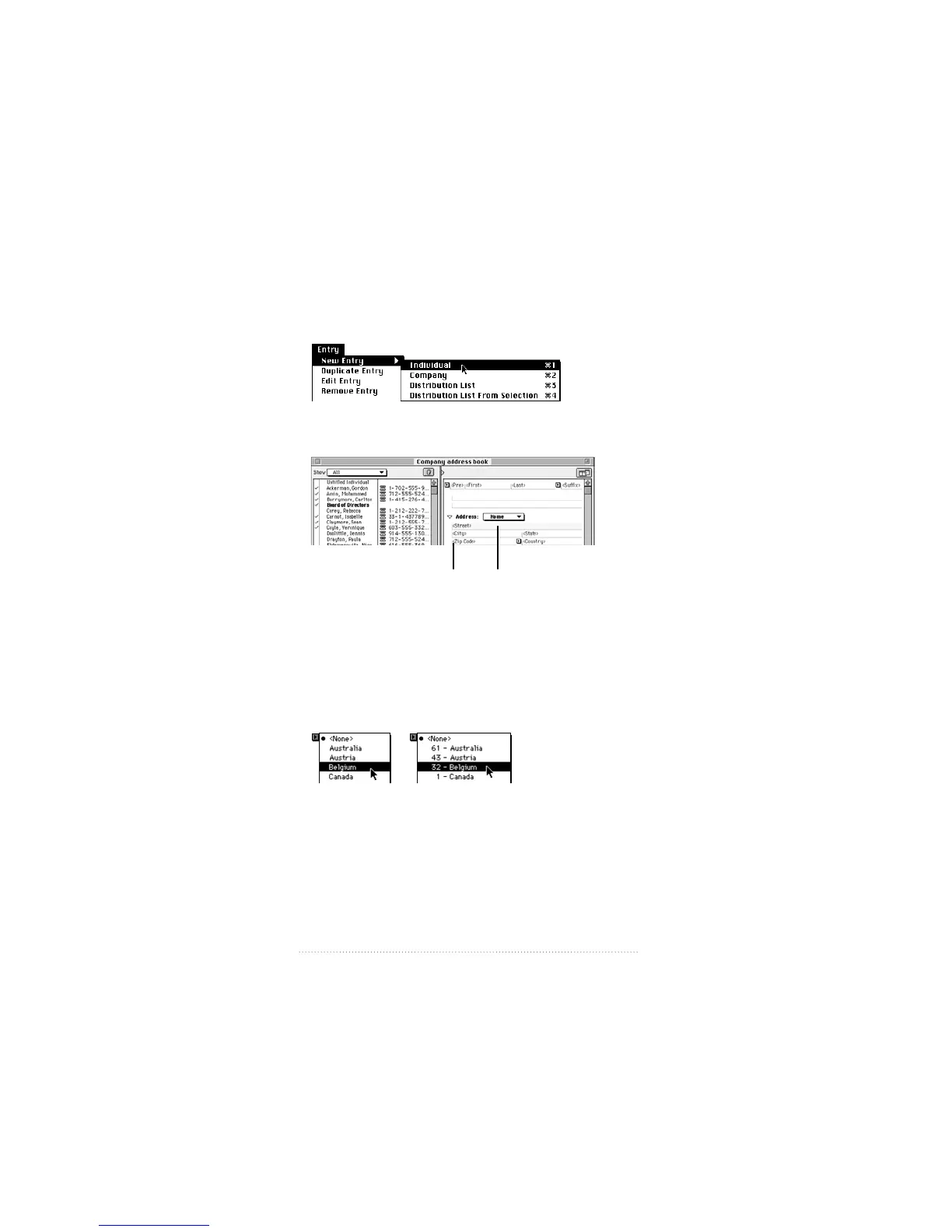
Creating a new entry in Apple Address Book
1 Choose the type of entry you want to create
2 Type the information for the entry in the available fields
Entry information is saved automatically as you move
from field to field, or when you close the window or quit the
program.
3 Always use Country pop-up menus for addresses and
numbers.
92
Quick Reference Guide
Angle brackets
identify information
to enter in each field.
Use the TAB key
or the mouse to
move from field to field.



 To Next Page