Choose your default city. L2%,&3)%&=22"%&>'3()&'22&#,&+G)#,%J&3'2&F/&>'3()J&3)%,&-#
3#&>%'3)%*&d&I%@'4"3&!+3/C&!#,0+3+#,$&@#*&3)'3&(+3/&'*%&$)#7,&#,&3)%&7'3()&@'(%J&+@&/#4W.%
'00%0&7%'3)%*&3#&3)%&@'(%C
Tip: Y@&/#4&0#,W3&$%%&3)%&>%'3)%*&'22& &#,&=22"%&>'3()J&/#4&5'/&)'.%&0%"%3%0&3)%
'22&@*#5&+G)#,%C&1#&*%$3#*%&3)%&'22J&0#7,"#'0&+3&3#&/#4*&+G)#,%&@*#5&3)%&=22&63#*%C
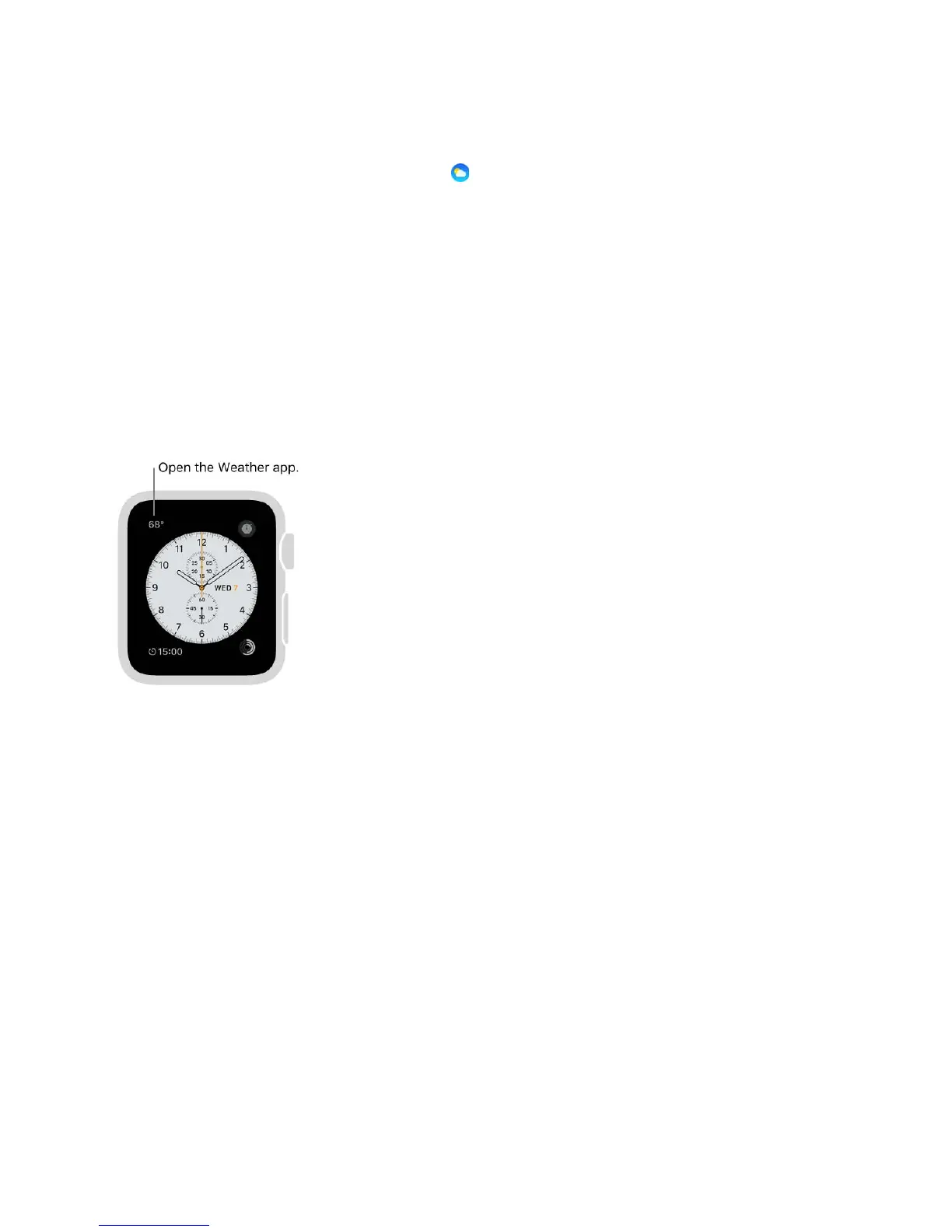
See weather on your watch face
Add weather to your watch face. >)+"%&.+%7+,-&3)%&7'3()&@'(%J&@+*5"/&2*%$$&3)%&0+$2"'/J
3)%,&3'2&!4$3#5+N%C&67+2%&"%@3&4,3+"&/#4&(',&$%"%(3&+,0+.+04'"&@'(%&@%'34*%$J&3'2&3)%&#,%
7)%*%&/#4W0&"+8%&3#&$%%&7%'3)%*&+,@#J&3)%,&34*,&3)%&I+-+3'"&!*#7,&3#&()##$%&>%'3)%*C
>)%,&/#4W*%&@+,+$)%0J&2*%$$&3)%&I+-+3'"&!*#7,C&1#&$%%&7)+()&@'(%$&/#4&(',&'00&7%'3)%*
3#J&$%%& C
Open the Weather app. 1'2&3)%&3%52%*'34*%&#,&3)%&7'3()&@'(%C
Choose the city for the watch face weather. L2%,&3)%&=22"%&>'3()&'22&#,&+G)#,%J&3'2
F/&>'3()J&3)%,&-#&3#&>%'3)%*&d&I%@'4"3&!+3/C
E'(%$&',0&@%'34*%$


 To Next Page
 Loading...