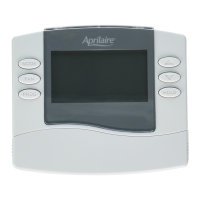
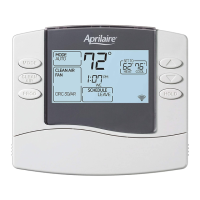
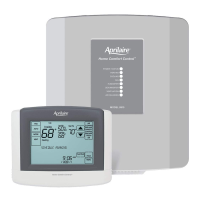
SYSTEM SETUP INSTRUCTIONS
How to enter the system setup menu to change
system settings
Press
repeatedly until system is set to OFF.
Press and hold
and for three seconds.
Thescreenofthefirstsettingwillbedisplayed.
SETUP & TESTING
Press or to change the setting.
Press
tochangetothenextoption.
Press
afterthelastsetting.“DONE”willbe
displayed.
ThethermostatwillreturntoNormalmodeifnokeyis
pressed in 3 seconds.
Toresetallsystemsettingsbacktodefault,pressthe
RESETbuttonlocatedunderthebatterydoor.
Thefollowinginstructionsshowhowtoenterthesystemsetupmenuandchangesettings.Thetableonthe
followingpagesliststhesettingsandtheirdetails.Defaultsettingsareshowninbold. Some settings are only
availabletocertainmodels,andsomearespecifictothermostatssettoheatpumpmode.
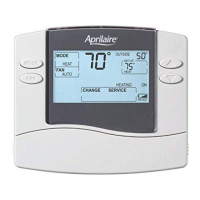
SYSTEMSETTINGNUMBER
SETTINGVALUE


 To Next Page
 Loading...