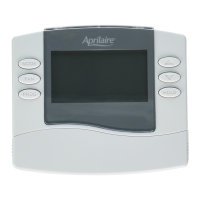
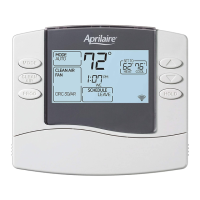
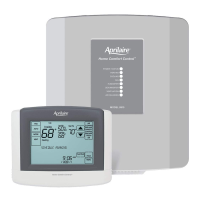
THERMOSTAT MOUNTING
1.Removethebackofthethermostat,bypressingthe
tabonthebottomoftheunit.
2.Pullwiresthroughtheopeningonthebackofthe
thermostat.
3.Positionandlevelthebackofthethermostatonwall
and mark the hole locations with a pencil.
4.Drill1/4”holes&insertsuppliedanchors(drywallonly).
5.Placebackoveranchors,insertandtightenscrews.
6.Sealwireentryholestopreventdraftsaffecting
temperature readings.
INSTALLATION
POWER & RESET OPTIONS
Thethermostatisdualpower.ItcaneitherbeACor
batterypowered,orboth(toprovidebackuppowerfor
theclock).Batteriesareoptionalifthethermostatwas
connectedtoACpowerwheninstalled.
Forheatpumpmodels(8446,8448HP,8465,8466HP)
24VACmustbeconnectedinorderforthesystemfault
and emergency heat indicators to operate.
Thethermostathasamemorybackupthatsavesthe
thermostat’ssettingsincaseofapowerinterruption.
Theresetbuttonlocatedunderthebatterycovercanbe
usedtoresetthethermostatbacktofactorydefaults.
Thesystemsettingswillalsoberesetbacktodefaults.


 To Next Page
 Loading...