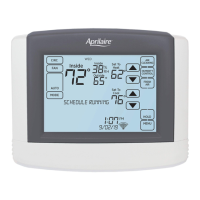
THERMOSTAT OPERATION
SET TIME AND DATE
The thermostat will automatically retrieve
Time and Date from the internet (if
connected). If the thermostat is used
without an internet connection the time
can be manually adjusted.
To set the time:
1. Touch Menu to open the Menu screen.
2. Touch Clock And Date to open the
Clock and Date screen.
3. Touch the current time. The Set Time
pop-up will appear.
4. Touch the or arrows to set
the correct hour, minutes and AM/PM.
5. Touch Done to save any changes.
Touch Back to discard your changes.
The thermostat will automatically
discard your changes if one minute
elapses without touching Done.
12
2
3
1
5
4



 To Next Page
 Loading...