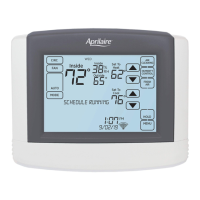
STATUS
The Operating Status screen shows you the
current status of all equipment controlled
by this thermostat. ON indicates that the
equipment is currently active. OFF indicates
that the equipment is not active and
cannot become active without changing its
corresponding mode. IDLE means that the
equipment is not currently active but could
become so if measured conditions change.
1. Touch STATUS to open the Operating
Status screen.
If your thermostat has remote temperature
or humidity sensors connected by a
Support Module, they can be accessed
through the Monitored Climate screen.
2. Touch Monitored Climate to open the
Monitored Climate screen.
22
1
2



 To Next Page
 Loading...