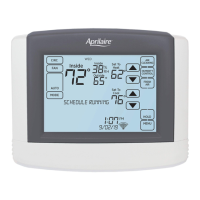
CLEAN SCREEN
The touch screen can be temporarily
disabled in order to clean it. Use a damp
cloth with water or household glass
cleaner. Do not spray liquids directly on
the screen.
1. Touch Menu to open the Menu screen.
2. Touch Clean Screen to disable the
touch screen for 30 seconds. The
thermostat will return to the Menu
screen when the timer finishes.
1
2
32



 To Next Page
 Loading...