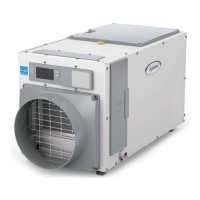
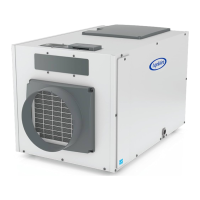
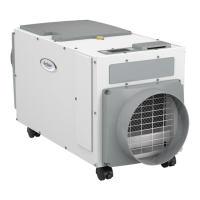
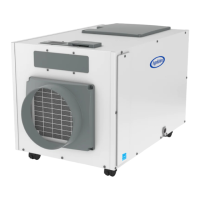
STARTING UP THE UNIT AND SEQUENCE OF
OPERATION
Ensure unit is plugged in and if equipped use the ON/OFF
Power Switch near the power cord to apply power to the
dehumidier.
USING THE DEHUMIDIFIER CONTROL ONLY
1. Press the ON/OFF Button to turn the dehumidier control ON.
The display will show the current humidity setting, and the
dehumidier blower will turn on to start sampling.
The setting will be replaced by the measured humidity and
the words AIR SAMPLING appear on the display�
2. Use the s or t button to adjust the humidity setting as
desired� The recommended initial setting is between 55%
and 59%�
3. After three (3) minutes of sampling, the measured humidity
will be compared to the setting:
a. If the humidity is above the setting, the dehumidier
compressor turns on and the words AIR SAMPLING will be
replaced by the word DEHUMIDIFYING� The compressor
remains on until the measured humidity falls 3% RH below
the setting�
b. If the measured humidity is below the setting, the blowers
turn off and the display returns to showing the RH setting.
4. The dehumidier will sample again every 60 minutes, or at
any time if the humidity setting is lowered�
USING A MODEL 76 AS A REMOTE CONTROL
1. Press the ON/OFF button to turn the dehumidier control ON.
The display will show the word REMOTE to indicate that a
remote control is to be used to control the dehumidier.
2. At the Model 76, press the ON button; the Model 76 will display
the RH measured at the dehumidier, and the dehumidier
blower will turn on to start sampling the air�
3. Use the or button on the Model 76 to adjust the
dryness level as desired� The dryness levels range from
1 to 7, with 1 being least dry and 7 being most dry; the
recommended initial setting is 3�
4. After three (3) minutes of sampling, the measured humidity
will be compared to the setting:
a. If the humidity is above the setting, the dehumidier
compressor turns on and the word ON ashes on the
Model 76 display�
b. If the measured humidity is below the setting, the
dehumidier blower turns off.
5. The dehumidier will sample again every 60 minutes, or at
any time if the dryness level is increased�
English 11


 To Next Page
 Loading...