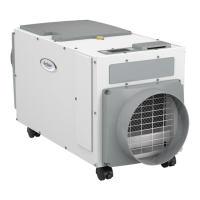
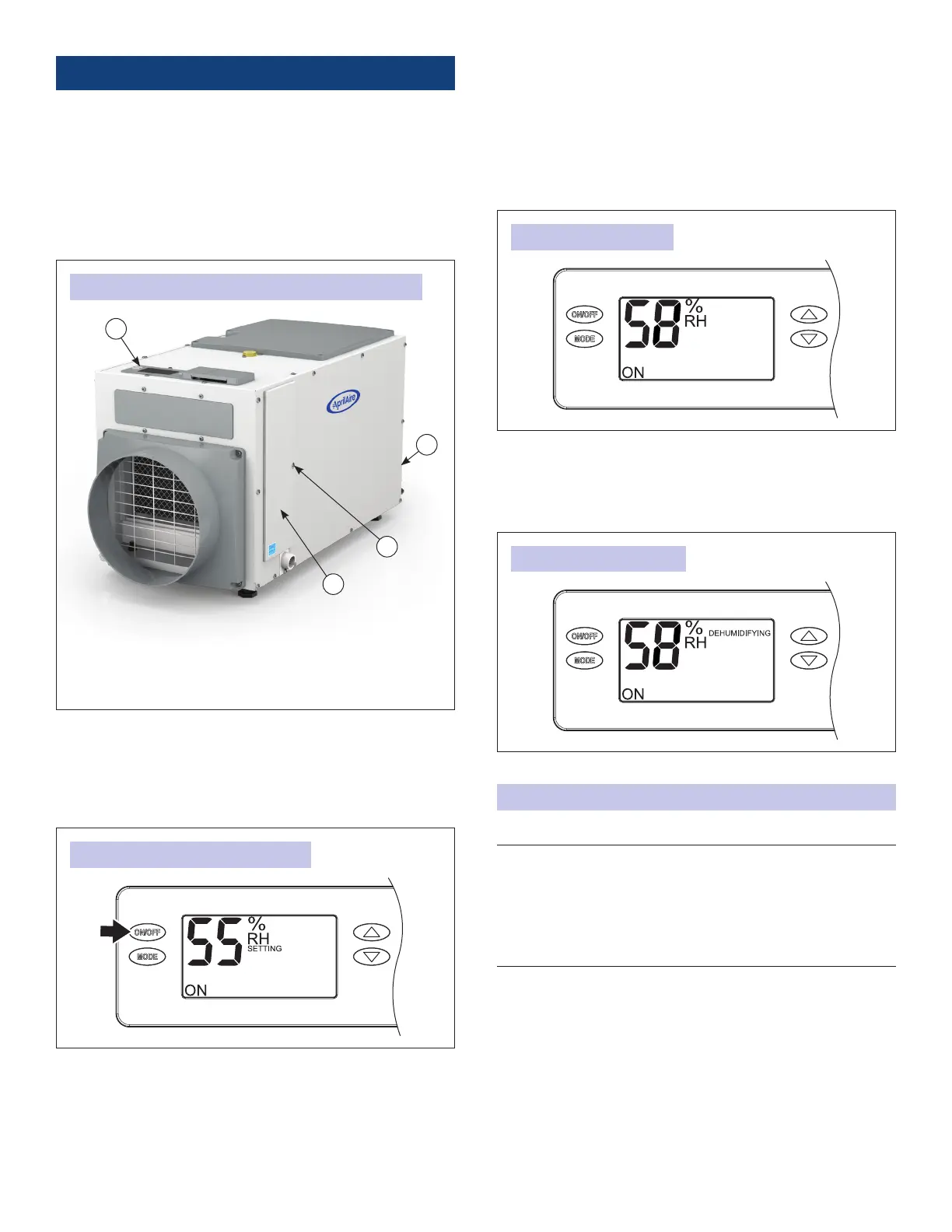
A. USER INTERFACE
B. ON/OFF POWER SWITCH (SELECT MODELS)
C. FILTER ACCESS DOOR RETAINING SCREW
D. FILTER ACCESS DOOR
OPERATING THE DEHUMIDIFIER
1. If equipped, use the ON/OFF power switch, located by the
power cord, to apply power to the dehumidier.
NOTE: The unit can remain plugged in with the ON/OFF power
switch on (if equipped) unless the unit will not be used for
an extended period. Use the ON/OFF button on the user
interface to turn the unit off for short durations. When the
unit is idle (neither the fan nor the compressor running) the
unit will use less than 3W of power.
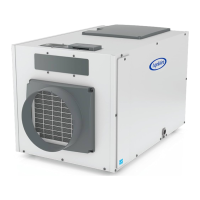
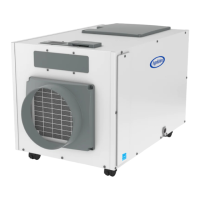
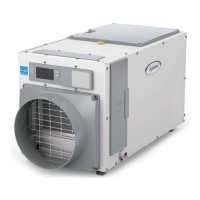
FIGURE 1: EXTERIOR COMPONENTS OF THE DEHUMIDIFIER
FIGURE 2: TURNING DEHUMIDIFIER ON
2. Use the ON/OFF button (see FIGURE 2) on the user interface
to turn the dehumidier ON. The rst press of a button will
turn on the display light, so if the display was dark, you
might need to press it again. Once ON, the display will show
the current dehumidier setting.
ENERGY SAVINGS TIPS
ENERGY SAVINGS TIP #1:
Adjust the humidity setting to be as high as is comfortable
to reduce dehumidier run time. If it feels clammy or “smells
musty,” lower the humidity setting. To save energy, turn the
dehumidier to OFF when you open your windows, just as you
would with air conditioning.
ENERGY SAVINGS TIP #2:
If vacating your home for an extended period in the summer,
set the RH at 55% and set your thermostat as high as you are
comfortable setting it to in the cooling mode. This will keep the
humidity at a controlled level while minimizing the amount of
cooling energy used.
AIR SAMPLING
FIGURE 3: AIR SAMPLING
FIGURE 4: DEHUMIDIFYING
3. The dehumidier blower will turn on, the word SETTING
disappears from the display, and the words AIR SAMPLING
appear (see FIGURE 3). This wording indicates that
the dehumidier is sampling the air to determine if
dehumidication is needed and shows the measured
humidity level.
If the control is already ON, lowering the setting will initiate
air sampling.
4. After sampling the air for 3 minutes, if the Relative Humidity
(RH) is above the setting, the compressor turns on to
dehumidify the space. The word DEHUMIDIFYING appears
when the compressor is turned on (see FIGURE 4).
4



 To Next Page
 Loading...