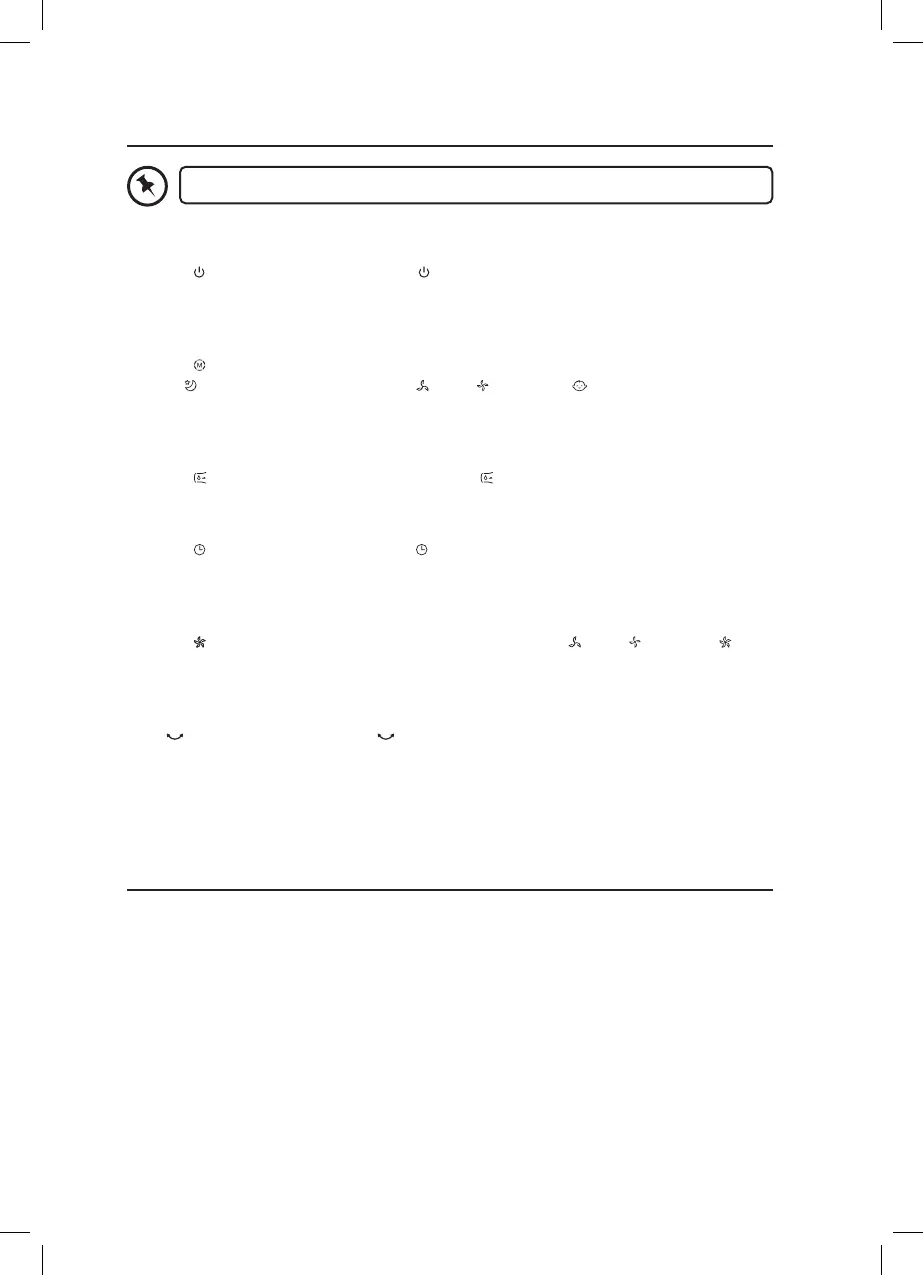
How to Use Your Fan
When using the remote control, make sure it is pointed towards the fan.
Powering On/O
Press the On/O Button on the unit or Button on the remote control to switch the unit
on or o.
Selecting Modes
Press the Mode Button repeatedly on the remote control to select the wind mode:
normal, Sleep Wind Mode (Fan speed: - Low, - Medium), Baby Wind Mode (Low
Wind mode).
Cooler Mode
Press the COOLER Button on the unit to switch COOLER mode on or o.
Timer Settings
Press the TIMER Button on the unit or Button on the remote control repeatedly to set
the timer from 1 to 7 hours (press once to increase 1 hour).
Wind Speed Settings
Press the Speed Button on the unit to adjust the fan speed ( - Low, - Medium, -
High).
Oscillation
Press OSC Button on the unit or Button on the unit or remote control repeatedly to
allow or stop the fan head rotating from side to side.
Cleaning
Unplug the unit from the mains socket.
Use a slightly damp cloth to wipe the outer body of the unit. Never completely cover the
unit with water or use chemicals or detergents as they could damage the unit.
To ensure adequate air circulation to the motor, keep vents at the rear of the motor free of
dust. Do not disassemble the fan for cleaning.


 To Next Page