Device Binding & Initialization
1. Download the Aqara Home app.
3. For details, please see www.aqara.com/support or scan the QR code
below to get the detailed electronic manual.
* If the connection fails, please move the accessory closer to the Hub and try again
*Only Aqara Home app supports this feature.
Search for "Aqara Home" in the Apple App Store, Google Play, Xiaomi
GetApps, Huawei App Gallery, or scan the following QR code to download
the Aqara Home app:
2. Add the product to the Aqara Home app
Please open the Aqara Home app, tap “Home” and then tap “+” in the top
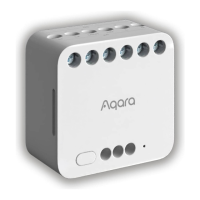
right corner to enter the “Add Device (Accessory)” page, select “Dual Relay
Module T2”, and add it according to instructions in the Aqara Home app.
Aer a successful connection, the status indicator of the device will turn
blue and flash 2 times slowly.
03


 To Next Page