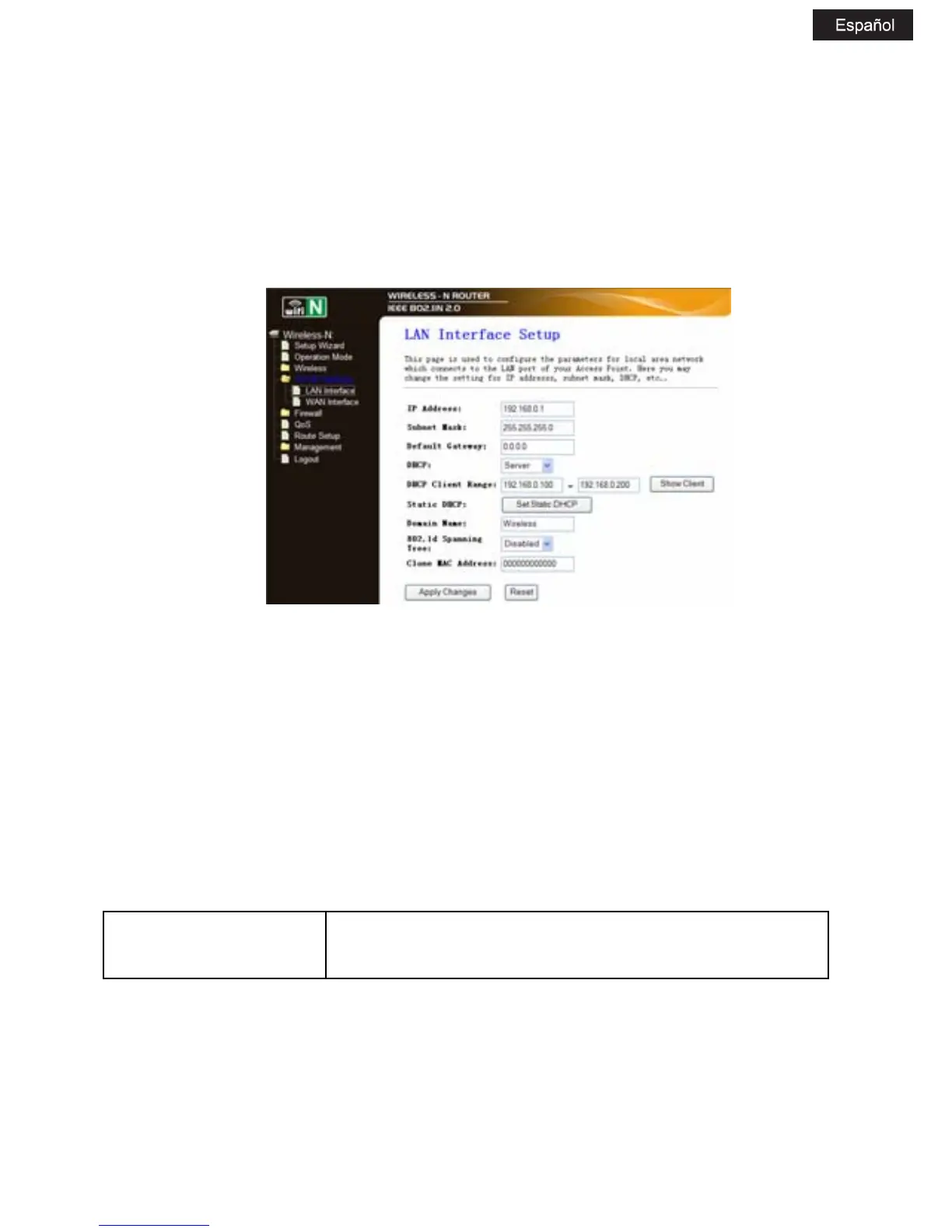
5.4 Configuración de LAN
Please click „TCP/IP SettingsLan Interfaces‰ located at the web
management interface, the following message will be displayed on your
web browser:
Dirección IP: Introduzca la dirección IP en su router o
reinicie su Wireless- N Router (por defecto:
192.168.0.1).
Máscara Subnet: Normalmnte usamos 255.255.255.0 como
máscara subnet.
DHCP Type: Servidor, Cliente o Desactivado
Nota:
1) Si cambia la dirección IP de la red, debe utilizar la nueva dirección IP
para entrar en el router.



 To Next Page