Press + or – button, to set watering duration
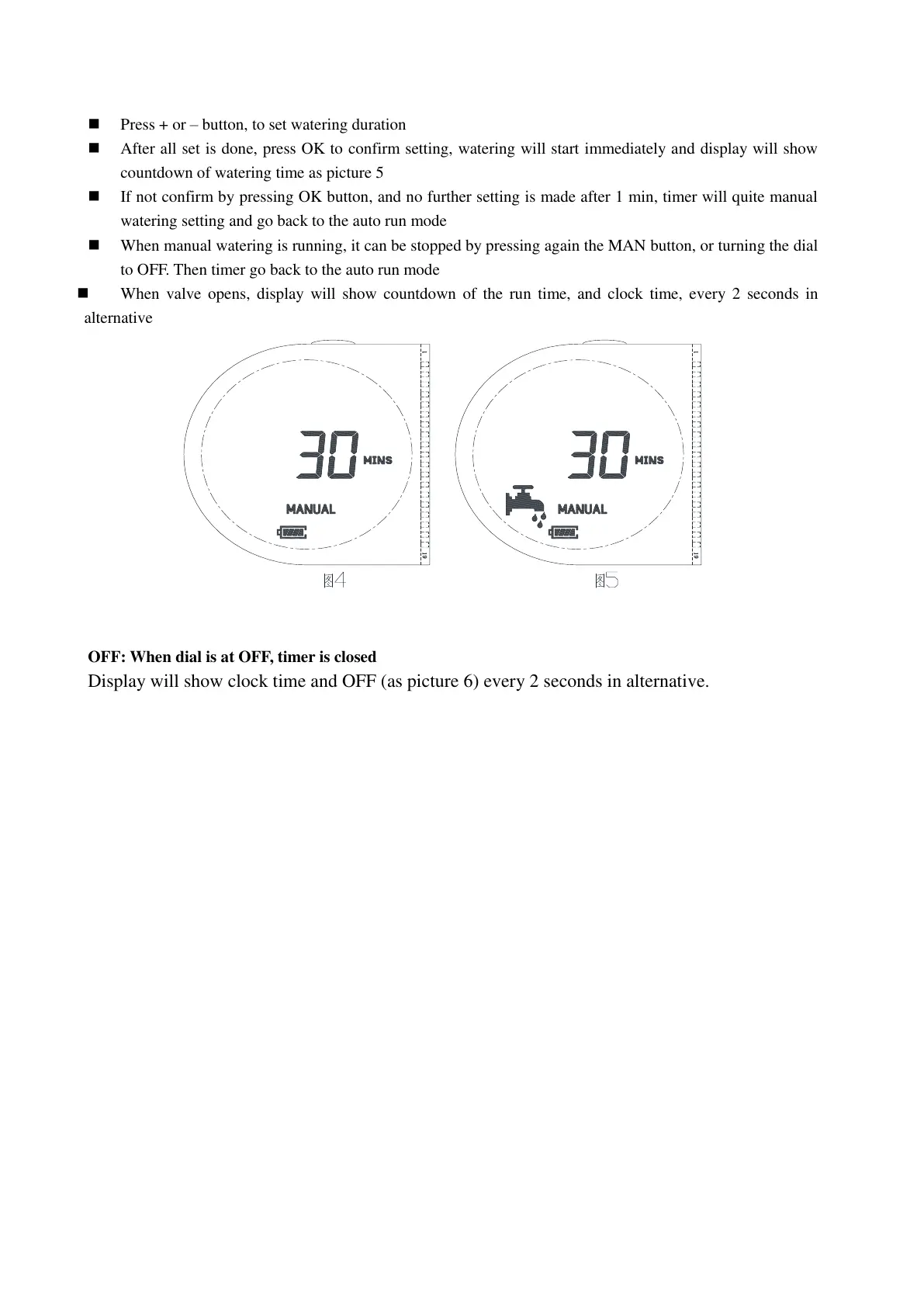
After all set is done, press OK to confirm setting, watering will start immediately and display will show
countdown of watering time as picture 5
If not confirm by pressing OK button, and no further setting is made after 1 min, timer will quite manual
watering setting and go back to the auto run mode
When manual watering is running, it can be stopped by pressing again the MAN button, or turning the dial
to OFF. Then timer go back to the auto run mode
When valve opens, display will show countdown of the run time, and clock time, every 2 seconds in
alternative
OFF: When dial is at OFF, timer is closed
Display will show clock time and OFF (as picture 6) every 2 seconds in alternative.


 To Next Page
 Loading...