CP500 Operation Manual 10
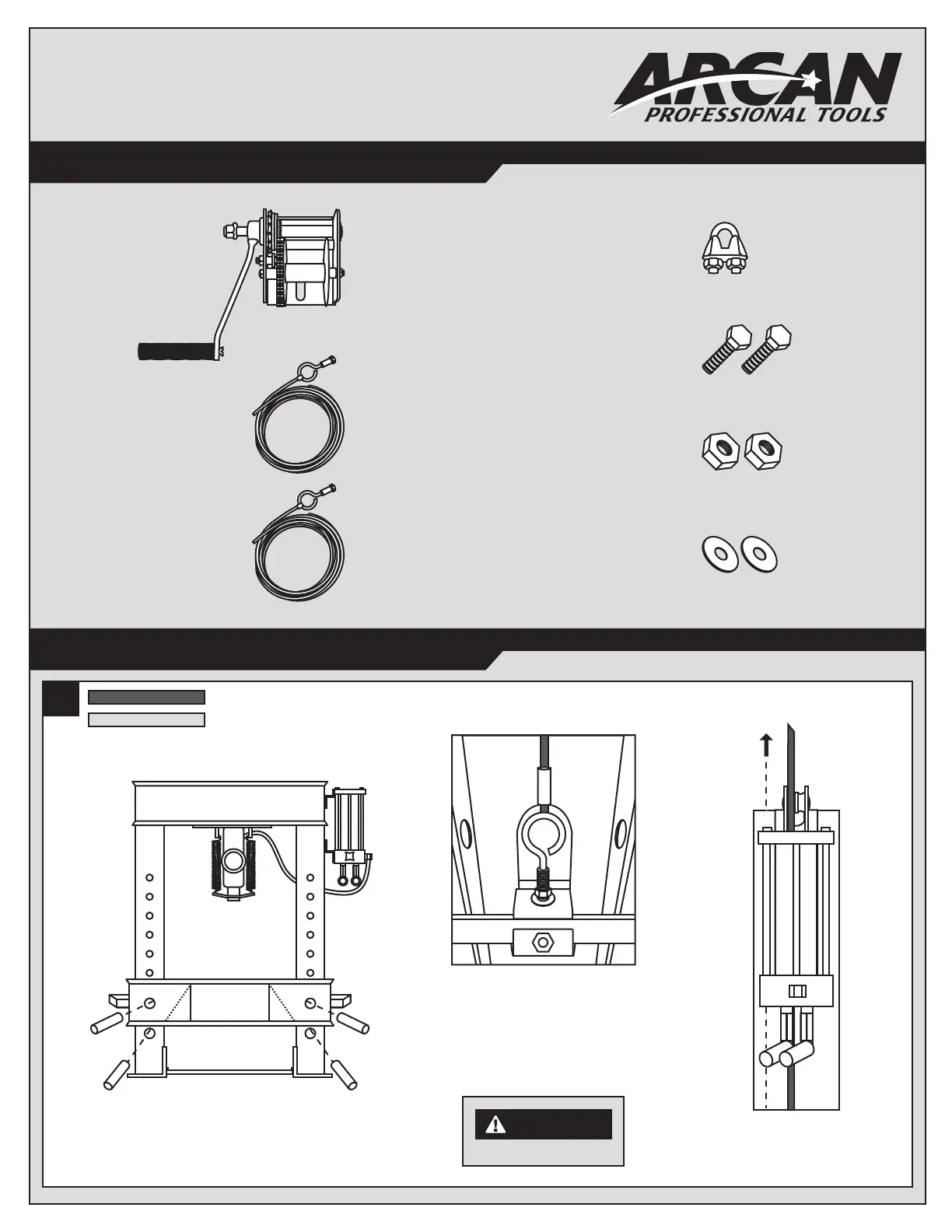
WINCH KIT PARTS LIST
Winch - 1
Long Cable - 1
Short Cable- 1
Cable Clamp - 1
1/2"-13 x 1-1/2"
Hex Head Bolts - 2
1/2" Nuts - 2
Washers - 2
12
WINCH INSTALLATION INSTRUCTIONS
Dark Gray- Long Cable
Light Gray- Short Cable
1. Move press bed into LOWEST position
so it is resting on top of pins 1 and 2.
Right side of press
3. Thread the BARE end of the LONGER
of the two steel cables up and through
the pump bracket.
Right side of press,
under pump assembly
2. Install pre-attached eye bolt on LONGER
cable to press bed handle located under
pump assembly. DO NOT FULLY TIGHTEN.
Center with side of press bed and make
sure there is enough room to lower or raise
both nuts on eye bolt for precise alignment.
WARNING
DO NOT FULLY TIGHTEN.

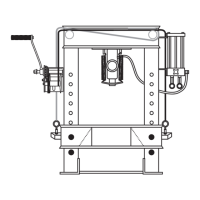

 To Next Page