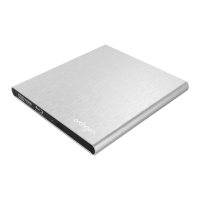
Product External Optical Drive
Thank you for purchasing External Optical Drive from archgon. Please read following
instructions carefully and note all precautions.
BEFORE USE
Please confirm the drive type in your hand. It can be identified by the retail package.
Note: The device is compatible with both PC & Mac OS.
Install authorized Blu-ray software is required before reading or writing a BD media
Install authorized UHD Blu-ray software is required before reading UHD BD media.
For Mac users
1. Please purchase or download appropriate Blu-ray playback software or UHD Blu-ray
playback software for Mac OS.
2. The external drive will be not detected if without inserting a disk.
3. Eject button function may be not work under Mac OS. Please click the eject icon from playback.
SYSTEM REQUIREMENT
Windows XP, Vista, 7, 8 or later
Mac OS 10.x or later
Linux 2.4.1.0 or later
INSTALLATION
1. Power on the PC/Laptop.
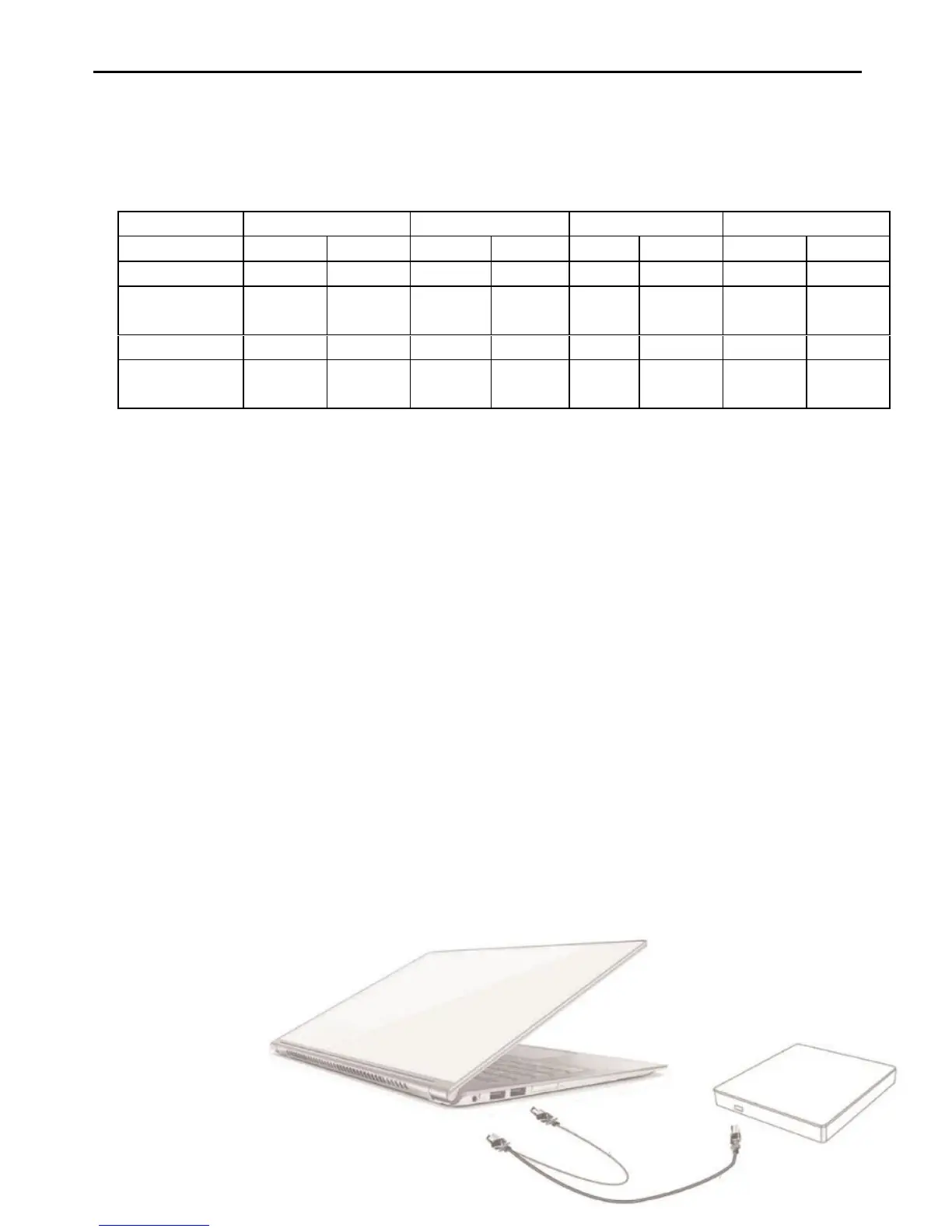
2. Plug the USB B type connector into the USB port on the drive.
3. Connect the USB Type-A connector(s) to USB port(s) on the PC/Laptop.
(If the PC/Laptop only contains Type c port(s), please use Type A to C adapter.)
4. Once properly connected, the new drive will appear under “My Computer”. The device is
ready to use without installing any drivers.
←Thinner ← FAT
Note:Connect the thicker cable
to PC/Laptop as the
primary power. In case of
power shortage, the
thinner one is required to
connect to computer as
secondary power as well.


 To Next Page
 Loading...