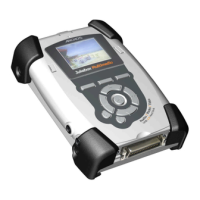
When updating your Operating System, you should keep your Jukebox powered from the AC charger/adapter so that it
will not shut down due to low batteries while you are performing the update. Connect your Jukebox to your computer
(see section 9.1), and then copy the AJBM.AJZ file to the root directory of the Jukebox. The root directory is the top
most level of the directory hierarchy. Just drag the .ajz file onto the Jukebox Hard drive in your file manager and it
will place it in the top most directory. Once this file is copied, safely disconnect the Jukebox from the computer (see section 9.2). Next,
click [F1] Setup, then click on Settings, and then scroll down to Firmware Update and click on it. The Jukebox will search for the .ajz file
and will and ask you to click [F1] Yes, to start the update. Follow the on-screen instructions. The Jukebox Multimedia will restart itself
and you will see the new OS version display on the screen as it starts up.



 To Next Page