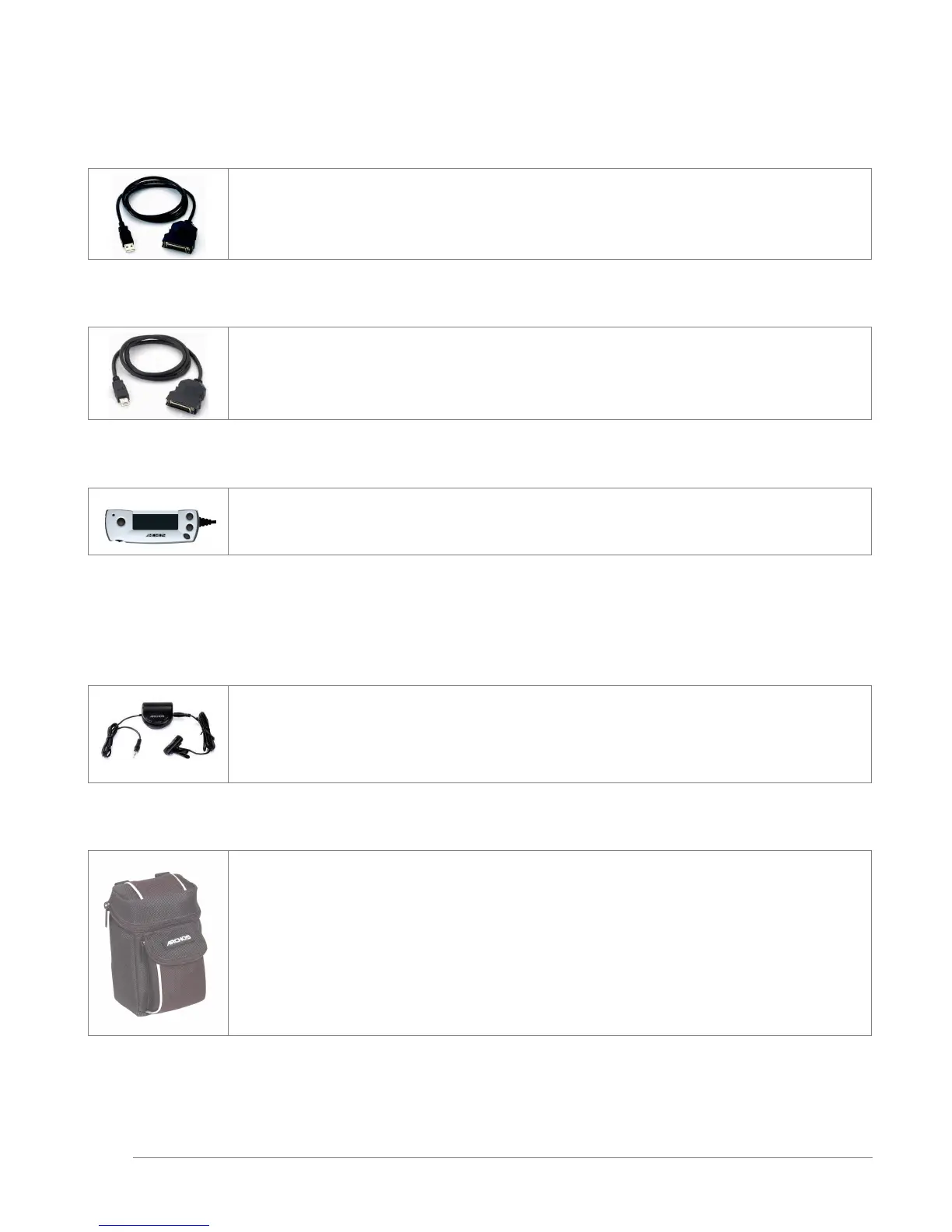
JBM USB 2.0 Interface Cable for JBM 10, 20
This specialized cable with a built-in USB 2.0 circuit inside allows you to connect your Jukebox Multimedia to any
computer with a standard USB 2.0 port. USB 2.0 is a high speed connection that allows significantly faster copying of
files to and from the Jukebox Multimedia.
JBM FireWire Interface Cable for JBM 10, 20, 120 & AV 140
This specialized cable with a built-in FireWire circuit inside allows you to connect your Jukebox Multimedia to any
computer with a standard FireWire port. The FireWire standard is a high speed connection that allows significantly
faster copying of files to and from the Jukebox Multimedia. This connector is a 6 pin male connection. It will not
work with iLink 4 pin ports found on some computers.
JBM FM radio and Remote Control for JBM 10, 20, 120 & AV 140
This device is a remote control that clips onto the lapel of your jacket or shirt. Not only can you control the Jukebox
Multimedia with it, but it has a built-in FM stereo tuner and microphone allowing you to listen to and record FM
stereo music as well as record your voice like a voice recorder.
ACCESSORIES
Stereo Microphone for all ARCHOS Jukebox Products
This microphone with pre-amp is an excellent way to create high quality stereo recordings.
Traveler Case for all ARCHOS Jukebox Products



 To Next Page