7
Through the wizard
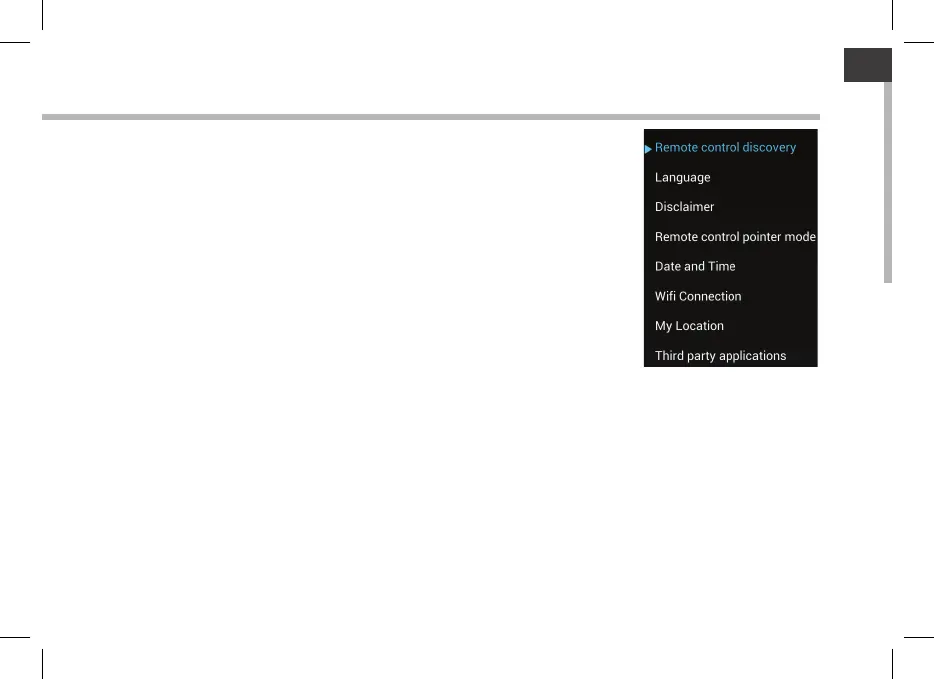
The rst time you start up your ARCHOS, the installation wizard will
help you associate it with its ARCHOS TV TOUCH remote and do the
setup:
- Remote control discovery
- Language
- Remote control pointer mode
- Date & time
- WiFi connection
- Location service options
- 3rd party apps
ARCHOS TV CONNECT Interface display on TV
To adjust the display of the ARCHOS TV CONNECT interface on TV, go
to : Settings > Display and select Overscan. Drag the cursor to increase
the overscan.



 To Next Page