MAINTENANCE &TROUBLESHOOTING
32
5.2 Troubleshooting
Before arc welding machines are dispatched from the factory, they have already been debugged accurately.
Maintenance must be performed carefully. If any wire becomes flexible or is misplaced, it may be a potential danger to
user!
Only Professional maintenance personal who are Authorized by Arcoweld can overhaul or repair the machine.
Always turn off the power source before removing covers or working on unit.
If there are any problems, please contact your authorized repairer or distributor.
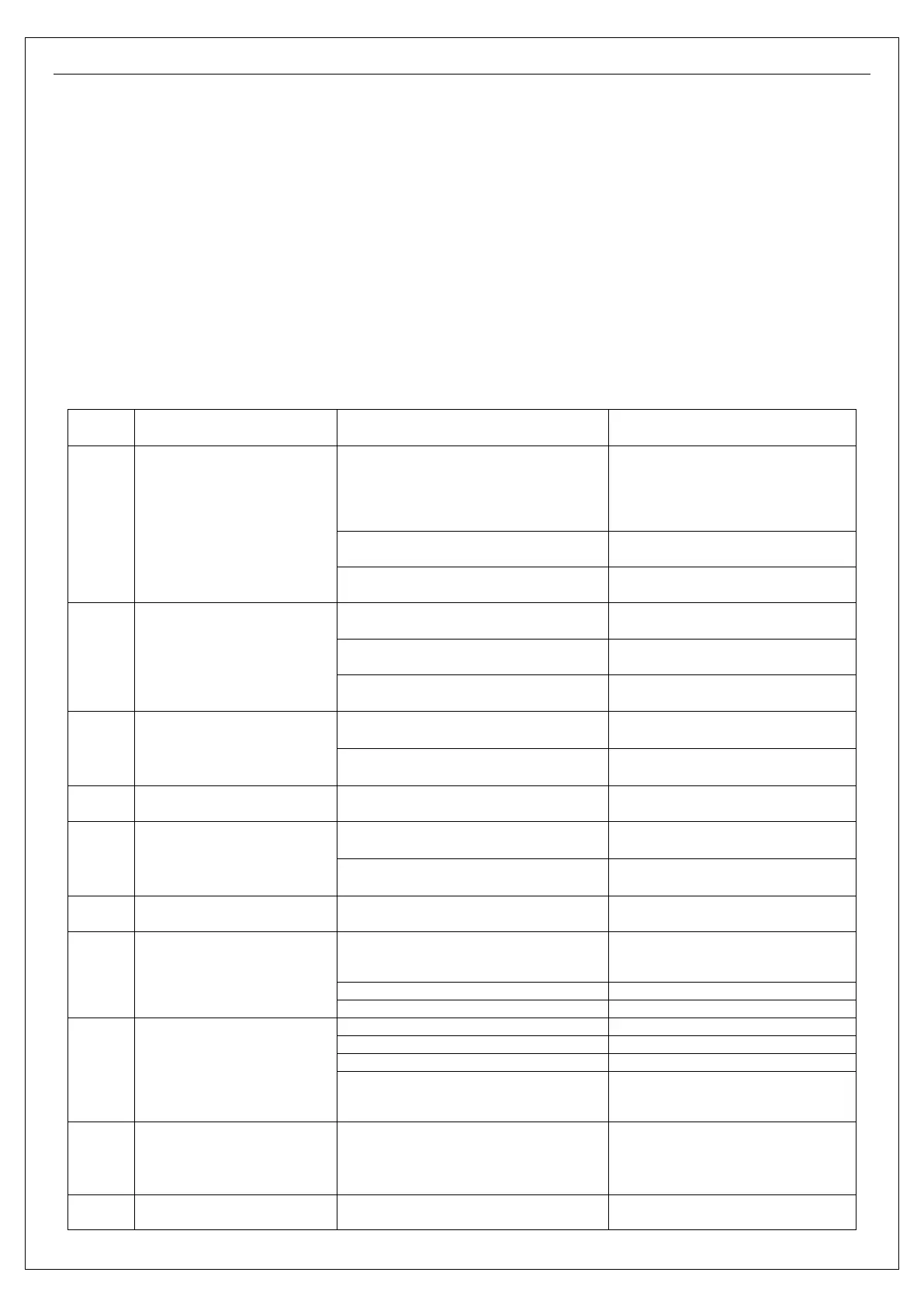
If there are any issues with the welding machine, please consult the following trouble shooting chart:
S/N
Troubles Reasons Solution
1
Turn on the power source, and
fan works, but the power pilot
lamp is not on.
The power light damaged or connection is
not good
Check and repair
input wire
The transformer of power is broken Repair or change the transformer
Control PCB failures Repair or change the control panel
2
Turn on the power source, and
the power lamp is on, but fan
doesn’t work
There is something in the fan Clear out
The start capacitor of fan damaged Change capacitor
The fan motor damaged Change fan
3
Turn on the power source, the
power lamp is not on, and fan
doesn’t work
No power supply input Check whether there is power supply
The fuse inside the machine damaged Change it (10A)
4
The number on the display is not
intact.
The LED in the display is broken Change the LED
5
The max and min value displayed
doesn’
value.
The max value is not accordant (refer to §3.1)
Adjust potentiometer Imin on the power
The min value is not accordant (refer to §3.1)
Adjust potentiometer Imaxin the current
6
No no-load voltage output
(MMA)
The machine is damaged Check the main circuit and the Pr4.
7 No gas flow (TIG)
Gas cylinder is closed, or gas pressure is low Open or change the gas cylinder
Electromagnetic valve is damaged
8
Gas always flows
The gas-test on the front panel is on
The gas-test on the front panel is off
Electromagnetic valve is damaged
The adjustment knob of pre-gas time on the
front panel is damaged
Repair or change it
9
The welding current cannot be
adjusted
The welding current potentiometer on the
front panel connection is not good or
damaged
Repair or change the potentiometer
10
The welding current displayed
isn’t accordant with the actual
The min value displayed isn’t accordant with
the actual value. (Please refer to §3.1)
Adjust potentiometer Imin on the power
board.


 To Next Page