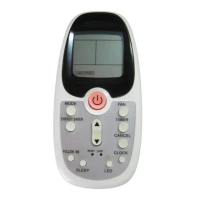
Press this button to turn unit on or off.
NOTE: The unit will initiate automatically the Energy Saver
function under Cool, Dry, Auto (only Auto-Cooling and Auto-
Fan) modes.
This function is available on COOL,
DRY, AUTO (only AUTO-COOLING and AUTO-FAN) modes.
The fan will continue to run for 3 minutes after the compressor
shuts off. The fan then cycles on for 2 minutes at 10 minute
intervals until the room temperature is above the set temperature,
at which time the compressor turns back on and Cooling
Starts.
FOLLOW ME



 To Next Page
 Loading...