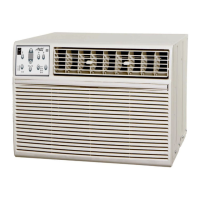
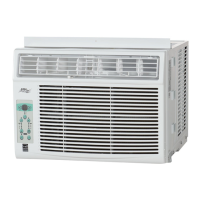
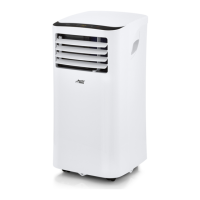
The controls featured in this manual are representative
of many available models. Your model may offer slightly
different features.
Cool Mode
The desired cool setting is selected by rotating the knob to the
right to the appropriate location.
has maximum cooling effect and airflow.
has minimum cooling effect and airflow.
Fan Mode
Rotate the knob to the left to select your choice of fan speeds for air
circulation.
NOTE: When selecting a fan speed, the compressor will not run.
Thermostat
The thermostat is used to set the desired room temperature when the
unit is being operated in the " ". COOL MODE
To set the desired room temperature, rotate the thermostat switch
to the desired setting. After the set temperature is achieved, the
thermostat will automatically start and stop the compressor in order
to maintain the desired set temperature.
1
4
5
6
7
2
3
OFF
Arret
Rotate the thermostat selector clockwise for higher cool settings.
Higher cool settings will provide lower room temperature. Rotate
the thermostat selector counter clockwise for lower cool settings.
Lower cool settings will provide a higher room temperature.
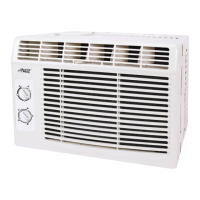
Before you begin, thoroughly familiarize yourself with the control panel as shown below and all its
functions, then follow the symbol for the functions you desire.
MANUAL CONTROL OPERATING INSTRUCTIONS
AIR CONDITIONER FEATURES


 To Next Page
 Loading...