17
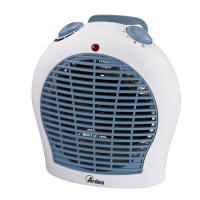
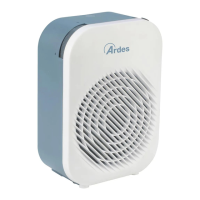
Technical informations 4F03O-4F03OS
1 - Handle
2 - Function switch
3 - Adjustable thermostat
4 - Operating indicator light
5 - Control switch for the oscillating function
Technical data indicated on the appliance.
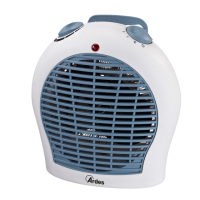
GBTechnical informations 4F03
1 - Handle
2 - Function switch
3 - Adjustable thermostat
4 - Operating indicator light
Technical data indicated on the appliance.
The apparatus can emit both cold air and hot air depending upon the
function selected by means of the function switch. Make sure that the
function switch is in the OFF position before connecting
or disconnecting the apparatus.
operation switch in the desired position and turn the temperature switch
clockwise to the maximum position.
in the room goes below the set limit.
The indicator light indicates that the apparatus is operating and will
Make sure that the apparatus has cooled down completely before storing
it in the box.
GB
Instructions for use


 To Next Page