20
GB
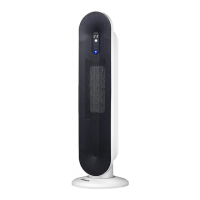
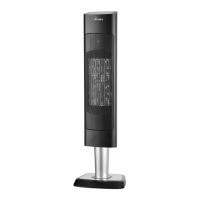
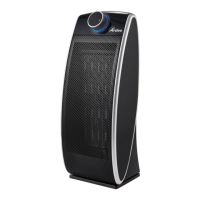
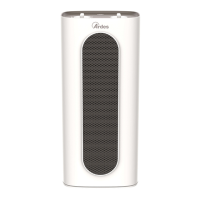
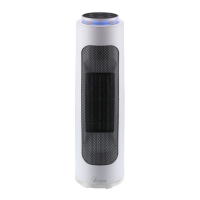
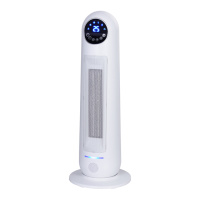
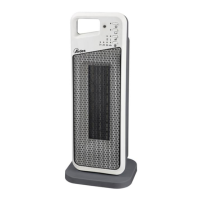
Technical informations
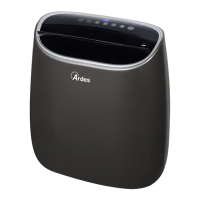
1 - Main switch On/O
2 - Air outlet grid
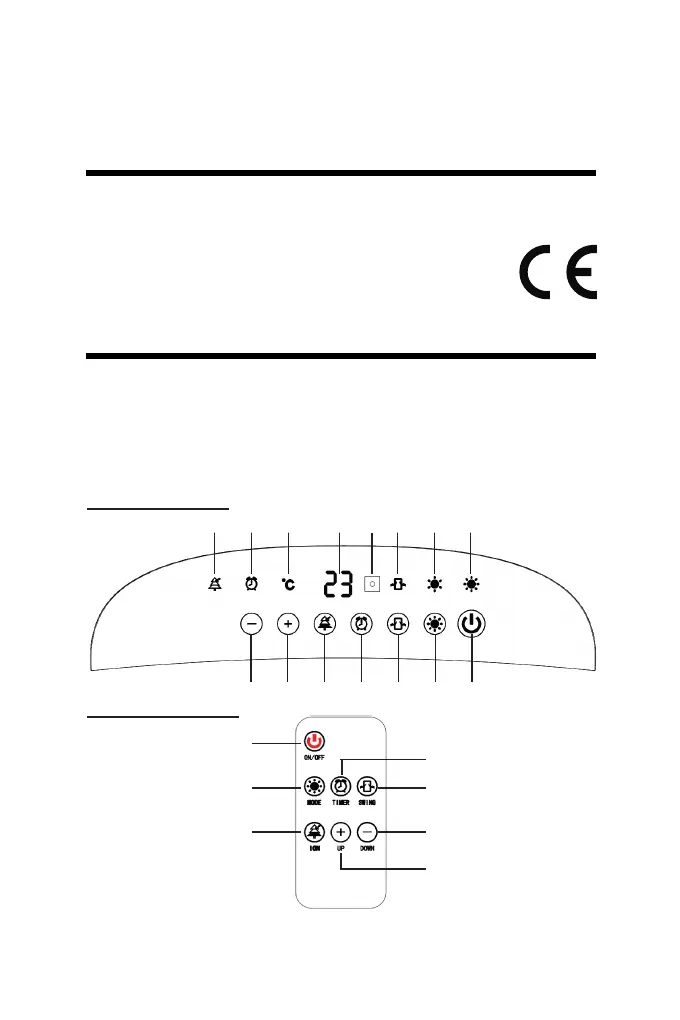
3 - Control panel and indicator light
4 - Remote control
5 - Anti-dust lter
Technical data indicated on the appliance.
GB
Instructions for use
The appliance can emit both cold and hot air, depending on hot it is set.
Before connecting or disconnetting the appliance, make sure the main
switch On/O (1) is in O position (O).
To turn the appliance on put the plug in the socket and position the switch
(1) to “I”. The appliance will emit a “beep” sound, the display will show the
ambient temperature and the appliance will not do any function (stand-by
mode).
1234567
H G B A C F E D
1
2
5
3
7
4
6


 To Next Page