11 / 14
(EN) INSTRUCTIONS FOR USE
Place the fan on a flat, dry and stable surface, and insert the plug of the fan in a socket; the
unit will emit a short “BIP” sound indicating that power is supplied.
For your convenience the unit can be operated by using control panel in the main body or
using remote control included.
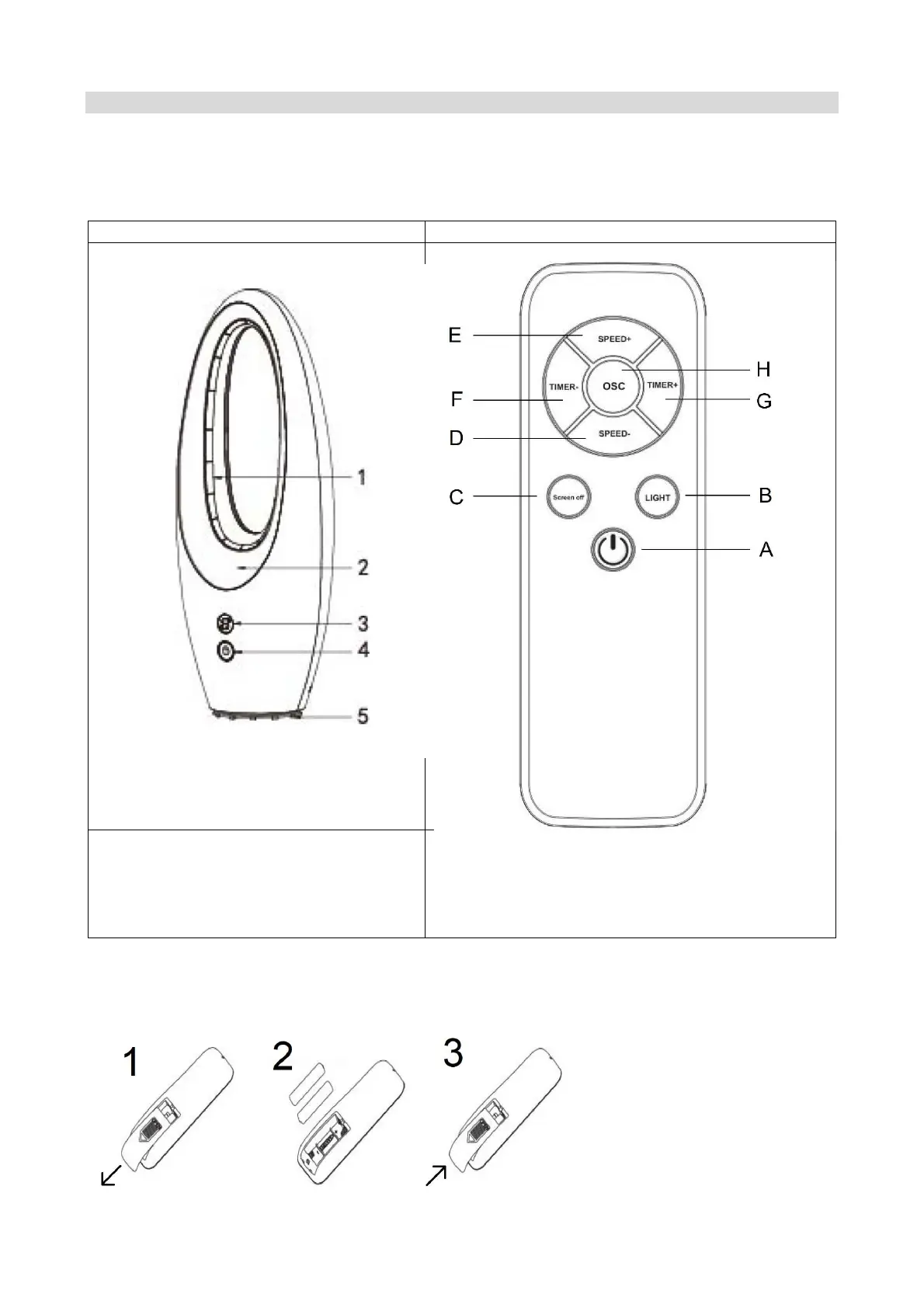
Unit Remote control
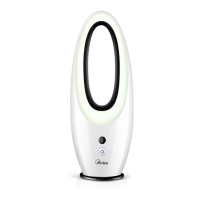
I. Air outlet grille
J. Light
K. Display
L. MULTIFUNCTION button
M. Base
A. ON/OFF button
B. LIGHT button
C. SCREEN OFF button
D. SPEED – button
E. SPEED + button
F. TIMER – button
G. TIMER + button
H. OSC button
Batteries
To use the remote control, insert 2 batteries 1,5V AAA (not supplied) in the appropriate
battery compartment on the back of the remote control.


 To Next Page