26 / 28
PRESSURE COOKING
1. Insert the accessory with the food in the oven.
2. Close the oven door and lower the SEALING LEVER (8) to the SEAL
position.
3. Turn the VENT RELEASE VALVE (1) to the SEAL position.
4. Set the FUNCTION knob (5) to the desired program or function.
5. Set the TIME by rotating the TIMER/TEMP knob (6).
6. Push the TIMER/TEMP knob (6) and set the temperature.
7. Push the ON/OFF button (7) to start cooking.
When cooking is complete:
8. Push the ON/OFF button (7) to switch off the oven (unless already off).
9. Turn the VENT RELEASE VALVE (1) to the VENT position.
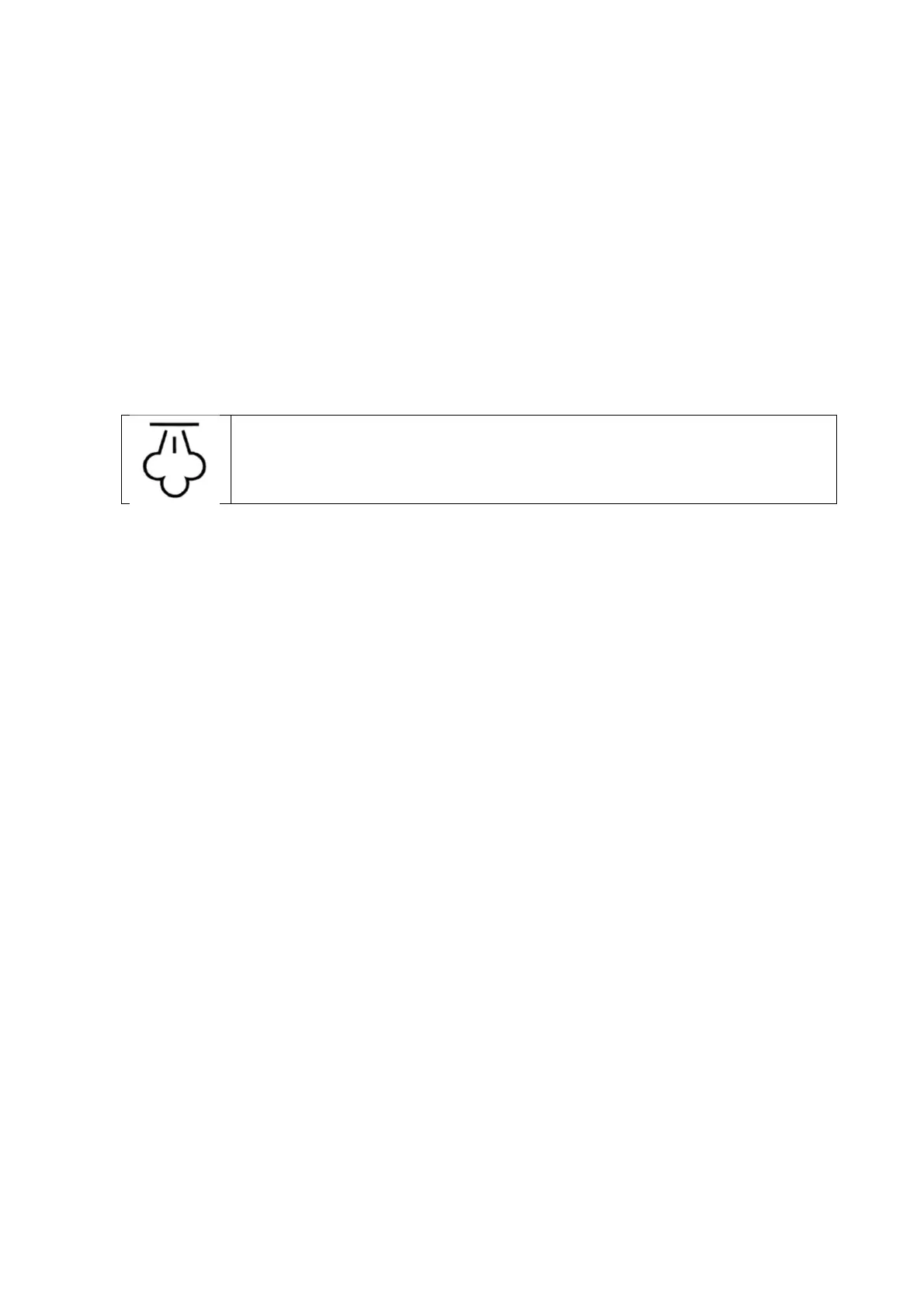
WARNING: HOT STEAM
In order to avoid burns or damages, do not expose parts
of the body or objects to the steam.
10. Raise the SEALING LEVER (8) to the STANDARD position.
11. Press the DOOR RELEASE BUTTON (3) to open the door.
WARNING! Never attempt to raise the SEALING LEVER (8) or open the
door until all steam has been vented from the VENT RELEASE VALVE (1).
Failure to do so could in a scalding injury.
STANDARD COOKING (STATIC)
Note: When cooking in STANDARD mode (without pressure), turn the
VENT RELEASE VALVE (1) to VENT before cooking.
1. Insert the accessory with the food in the oven.
2. Close the oven door and lower the SEALING LEVER (8) to the SEAL
position.
3. Turn the VENT RELEASE VALVE (1) to the VENT position.
4. Set the FUNCTION knob (5) to the desired program or function.
5. Set the TIME by rotating the TIMER/TEMP knob (6).
6. Push the TIMER/TEMP knob (6) and set the temperature.
7. Push the ON/OFF button (7) to start cooking.
When cooking is complete:
8. Push the ON/OFF button (7) to switch off the oven (unless already off).
9. Raise the SEALING LEVER (8) to the STANDARD position.
10. Press the DOOR RELEASE BUTTON (3) to open the door.


 To Next Page
 Loading...