9 / 28
15. Do not encapsulate and/or modify batteries.
16. Store unused batteries in their original packaging away from metal objects. If already unpacked,
do not mix or jumble batteries.
17. Remove batteries from equipment if it is not to be used for an extended period of time unless it is
for emergency purposes.
18. Clean the battery contacts and also those of the equipment prior to battery installation.
19. In case of leak from batteries, avoid any contact with it; in case of contact, wash the affected part
with water and seek medical attention.
(EN) TECHNICAL INFORMATIONS
(see the image on page 1)
A – Racket
B - Torch
1 – Detachable supply unit
2 – USB cable
3 – USB socket
4 – Selector switch
5 – Grid activation button
6 – Charging LED
7 – “Grid ON“ LED
8 – Light for night use.
9 – High voltage grid
10 – Switch of the light for night use
11 – LED of the torch
Technical data: see the label on the appliance.
(EN) INSTRUCTIONS FOR USE
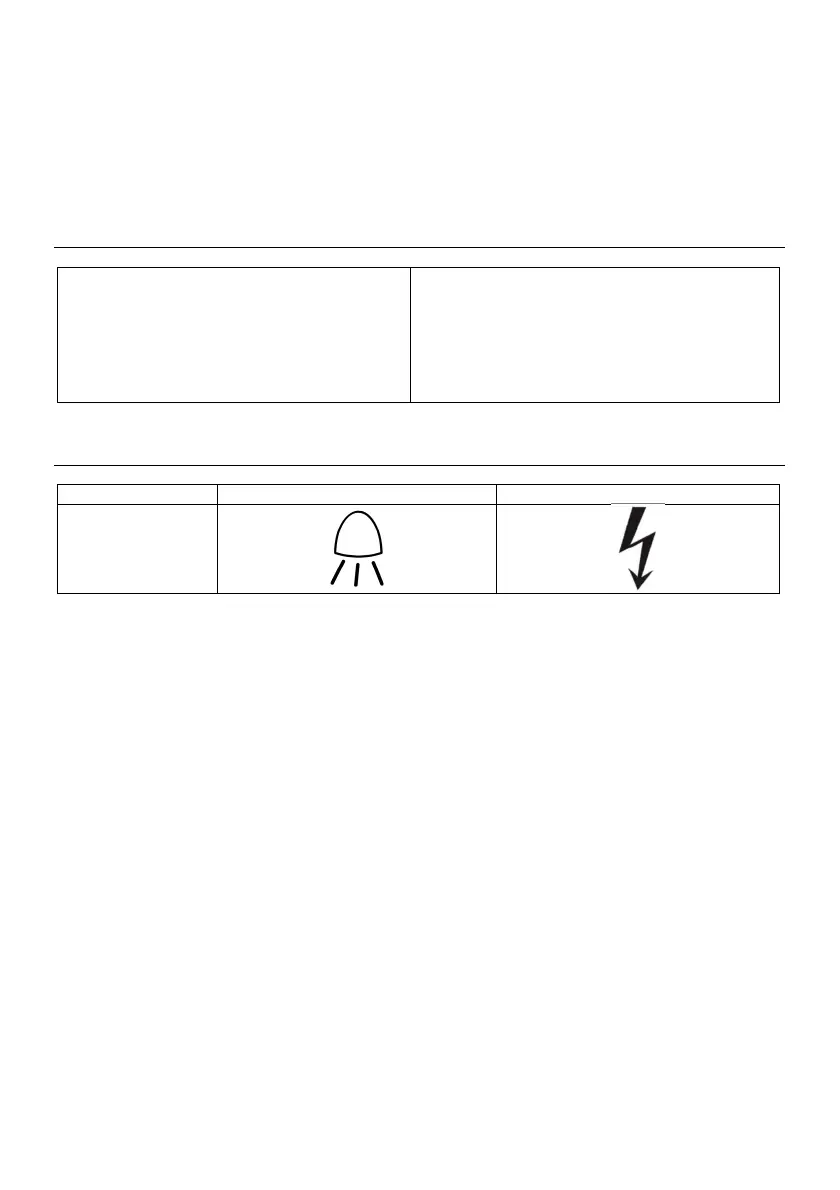
Adjust the selector switch (4) to set the following operating modes:
OFF Torch ON Racket ON
OFF
Battery charging
- Set the selector (4) to OFF;
- Unscrew the racket (A) from the torch (B);
- Connect the USB cable (2) to the USB socket of the torch (3);
- Connect the other connector of the USB cable to the detachable supply unit (1);
- Connect the detachable supply unit (1) to the mains.
While charging, the charging led (6) will be green.
When charging is complete, the charging led (6) will be off.
Full charging time: 3-5 hours.
When charging is complete, disconnect the detachable supply unit (1) from the mains and disconnect
the USB cable (2).
To use the racket:
- Screw the torch (B) to the racket (A);
- Set the selector switch (4) to “Racket ON“ position;
- To activate the grid (9), press the Grid Activation Button (5), the “Grid ON” LED (7) will be lights
on in red colour to indicate the the grid is activated;
- When an insect passes through the grid, it will be subjected to an electric discharge;
- Release the Grid Activation Button (5);
- After using, set the selector switch (4) to OFF.
Use the swtch (10) to switch on or to switch off the light for night use (8).
To use the torch:
- Set the selector switch (4) to “Torch ON“ position to switch on the LED of the torch (11).
Batteries


 To Next Page
 Loading...