9
9
Technical informations
GB
GB
Instructions for use
First use
Before using the oven turn it on for about 10 minutes in order to get rid of any oil residues that
may have been left on the inside walls of the appliance.
Before using the appliance for the rst time, clean it and wash the parts in contact with food as
indicated in the MAINTENANCE paragraph.
To turn the power on, insert the plug into the wall socket and select the desired heating function
(3).
Adjust the cooking temperature (2), set the timer (1) and the unit will shut down when the time
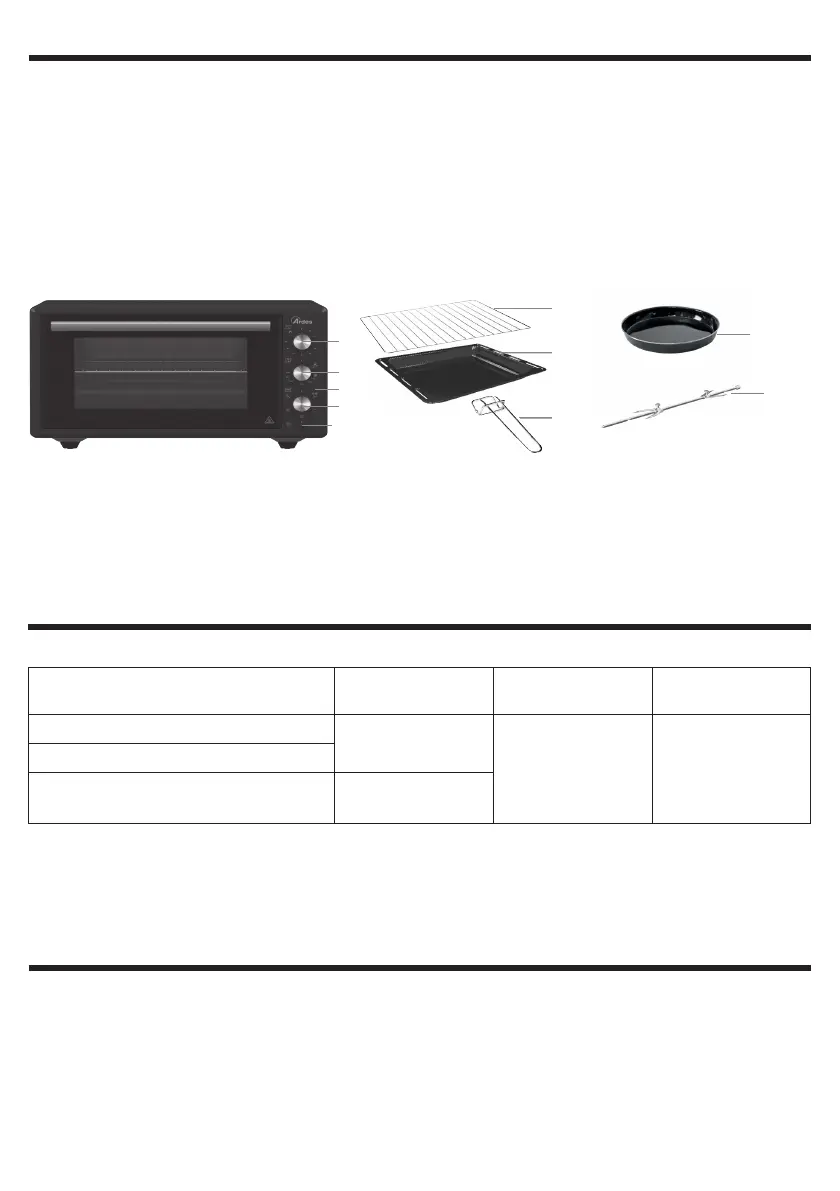
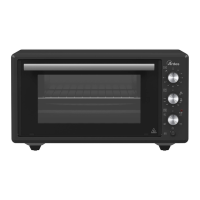
1 - Knob for setting baking time
2 - Knob for adjusting temperature
3 - Knob for selecting the function
4 - Functioning pilot light
5 - Baking tin
6 - Grill
7 - Tong for Baking tin / grill
8 - Round tray (NOT INCLUDED, PURCHASABLE SEPARATELY)
9 - Rotisserie
10-Switch for rotisserie (0 = OFF, | = ON)
Technical data indicated on the appliance.
Light source for compartment lighting
• This product contains a light source of energy eciency class G.
• The light source has special features and is intended to be used only with this oven to illuminate
the compartment, do not use it for other applications.
• The light source can be replaced by the user with one with equivalent characteristics. Follow the
instructions in the MAINTENANCE paragraph.
Contact with food
GB
Only these parts are intended for contact with food, under the conditions indicated:
Parts intended for contact
with food
Types of
foods
Maximum
temperature
Maximum
contact time
Baking tin (5)
All
280°C 2 hours
Round tray (8)
Grill (6), Rotisserie (9)
Not suitable for
acidic foods
• These parts can only be used with this appliance. Do not use the parts in separate form for other
applications.
• Before using the appliance for the rst time, wash the parts intended for contact with food
as indicated in the MAINTENANCE paragraph.
1
2
3
4
5
6
7
8
9
10


 To Next Page