19
The walk assist mode must be used in compliance with the regulations in force in the country of use and is only allowed when
pushing the electrically power assisted cycle and walking alongside it holding the handlebar grips firmly with both hands.
CAUTION
DANGER
It is strictly prohibited to enable the walk assist mode when you are sitting on the saddle of the electrically power assisted
cycle to avoid the danger of injury and the risk of damaging the electrical components of the bike.
Switching the light on/o
Press the ON/OFF button quickly to turn the front light (and rear light, if applicable) on and o.
Viewing data (AVG - MAX - TRIP - ODO)
The data available on speed (AVG and MAX) and distance (TRIP and ODO) will be displayed alternately and automatically in
sequence: AVG - MAX - TRIP - ODO.
The partial usage data (TRIP - AVG - MAX) will automatically reset after the display is turned o.
Indicator light for residual battery charge
The battery charge level is shown on the display screen as a number of dashes between 0 and 5.
If there are 5 dashes, it means that the battery is charged to the maximum percentage defined and detected instantly.
Less dashes are shown to indicate a decrease in the battery charge level available and subsequent autonomy.
The level of the battery charging indicator may fluctuate depending on how the electrically power assisted cycle is being
used, for example, when going up a slope, the level displayed can drop rapidly as there is a much higher battery consumption.
The individual dashes indicate the specific battery charge range detected at the time and do not necessarily indicated a
percentage of the residual autonomy.
Malfunction indicator light
If a malfunction of the bike’s electrical and/or electronic system is detected, the relevant warning light will appear on the
display screen and the relevant identification Error Code will be displayed at the same time.
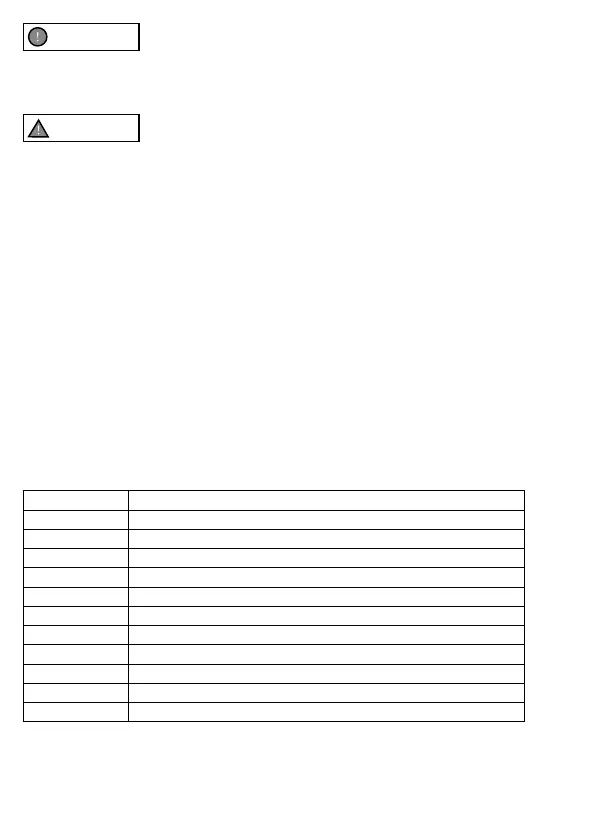
Error Code Malfunction description
2 Malfunction when using the walk assist mode lever
3 Brake sensor malfunction
4 Control unit malfunction
7 Control unit overheated
8 High voltage protection (voltage above threshold)
10 Motor malfunction (excessive power consumption)
11 Motor hall sensor malfunction
17 Display-control unit wiring communication malfunction
18 Display-control unit programming communication malfunction
19 Brake sensor malfunction
20 Motor block


 To Next Page