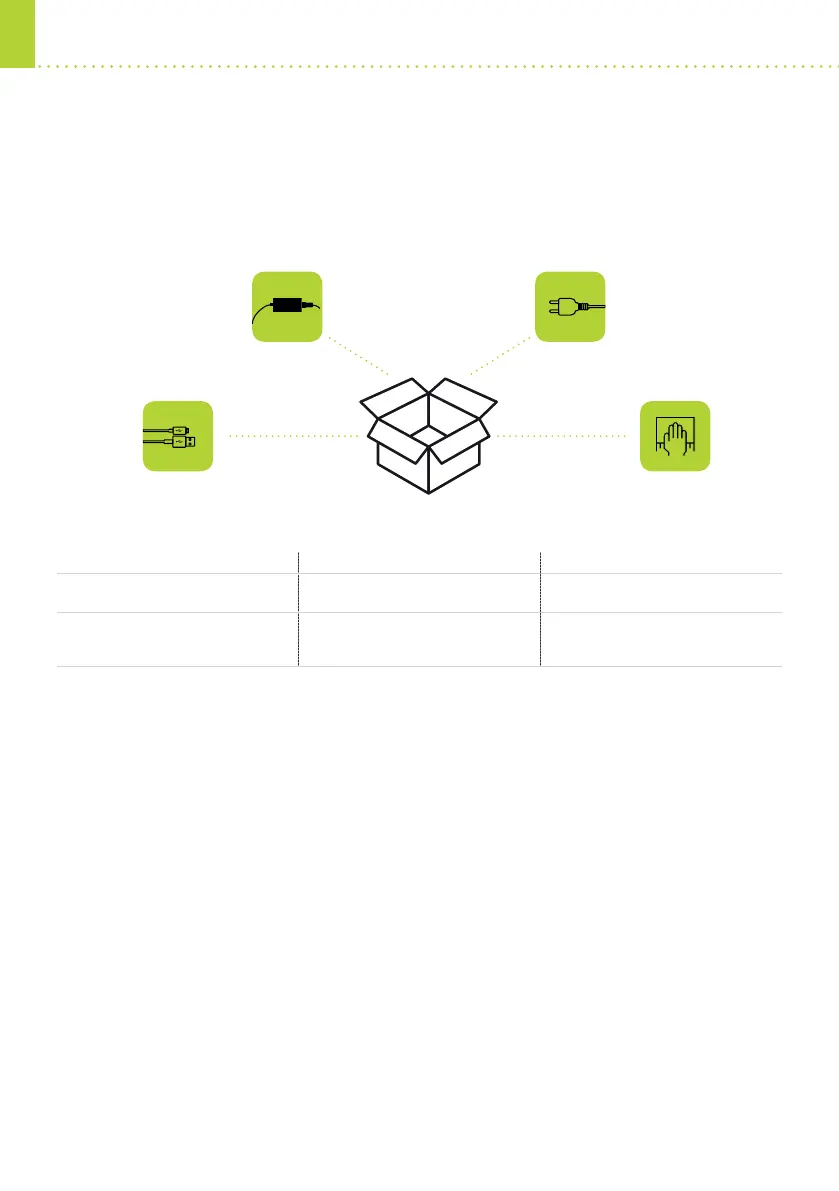
1. WHAT’S IN THE BOX?
2. HOW TO GET THE SCANNER WORKING
A) ASSEMBLY / CABLES
1. USB-powered devices Combo Scan, Combo Scan Kiosk
• Connect the USB to the scanner and to the PC
2. External-powered devices Combo Smart, Combo Smart Kiosk, PRMc
• Connect the USB to the scanner and to the PC
• Connect the power supply to the scanner
• Connect the power cord to the power supply and to the wall socket
3. Network devices Combo Smart N
• Connect the power supply to the scanner
• Connect the power cord to the power supply and to the wall socket
• Connect an Ethernet cord to the scanner and to the pc / router
Setting up your passport reader device is nice and easy – simply follow these steps.
USB DEVICES NETWORK DEVICES
OptiUSB-powered
(external-powered external-powered
Combo Scan, Combo Scan Kiosk
Combo Smart, Combo Smart
Kiosk, PRMc
Combo Smart N
•
USB cable
USB cable
power supply
power cord
power supply
power cord
power cordpower supply
cleaning wipeUSB cable
Thank you for choosing ARH’s state-of-the-art ID reading and authentication solutions. This guide will
quickly take you through the steps of setting up your new passport reader. If you need more detailed
instructions, you can always have access to the full install guides – see the QR codes below.


 To Next Page
 Loading...