ARMIGA User Guide v0.8
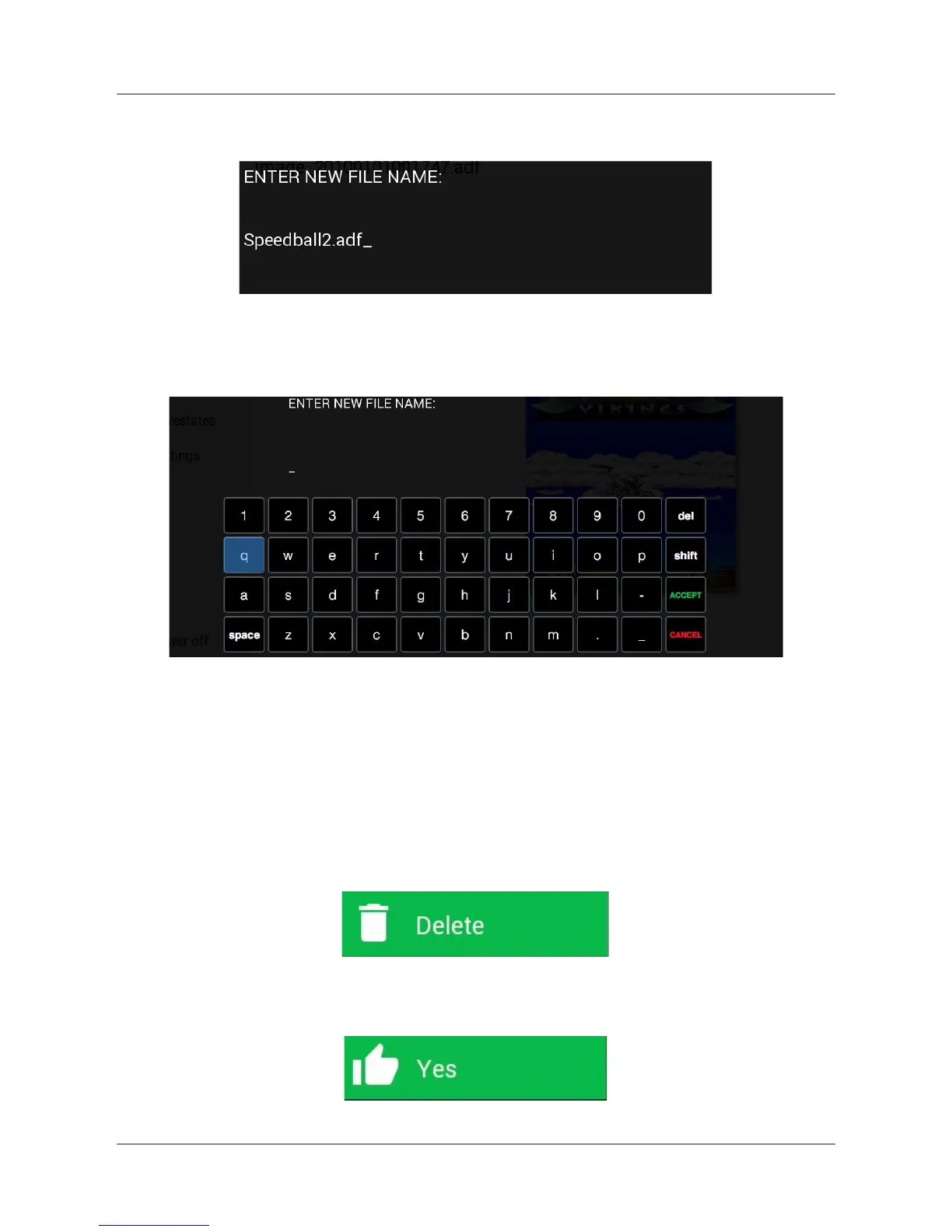
On the dialog, type the new name of the file and hit return:
A virtual keyboard is provided in case a gamepad is being used instead of a hardware
keyboard. For using it, select the characters with the move buttons and press fire.
Then, press Accept.
Remember to add .adf to the end of the filename.
5.2.6. Deleting a game or a savestate file
On file explorer of game or savestate menu, move to a file using up/down arrows or
joystick/pad up/down, press fire and select this option from the lateral menu:
Make sure you want to delete the selected file. Then, highlight Yes and press fire or return.
15


 To Next Page
 Loading...