7
How To Use The Basic Functions
FAN operation
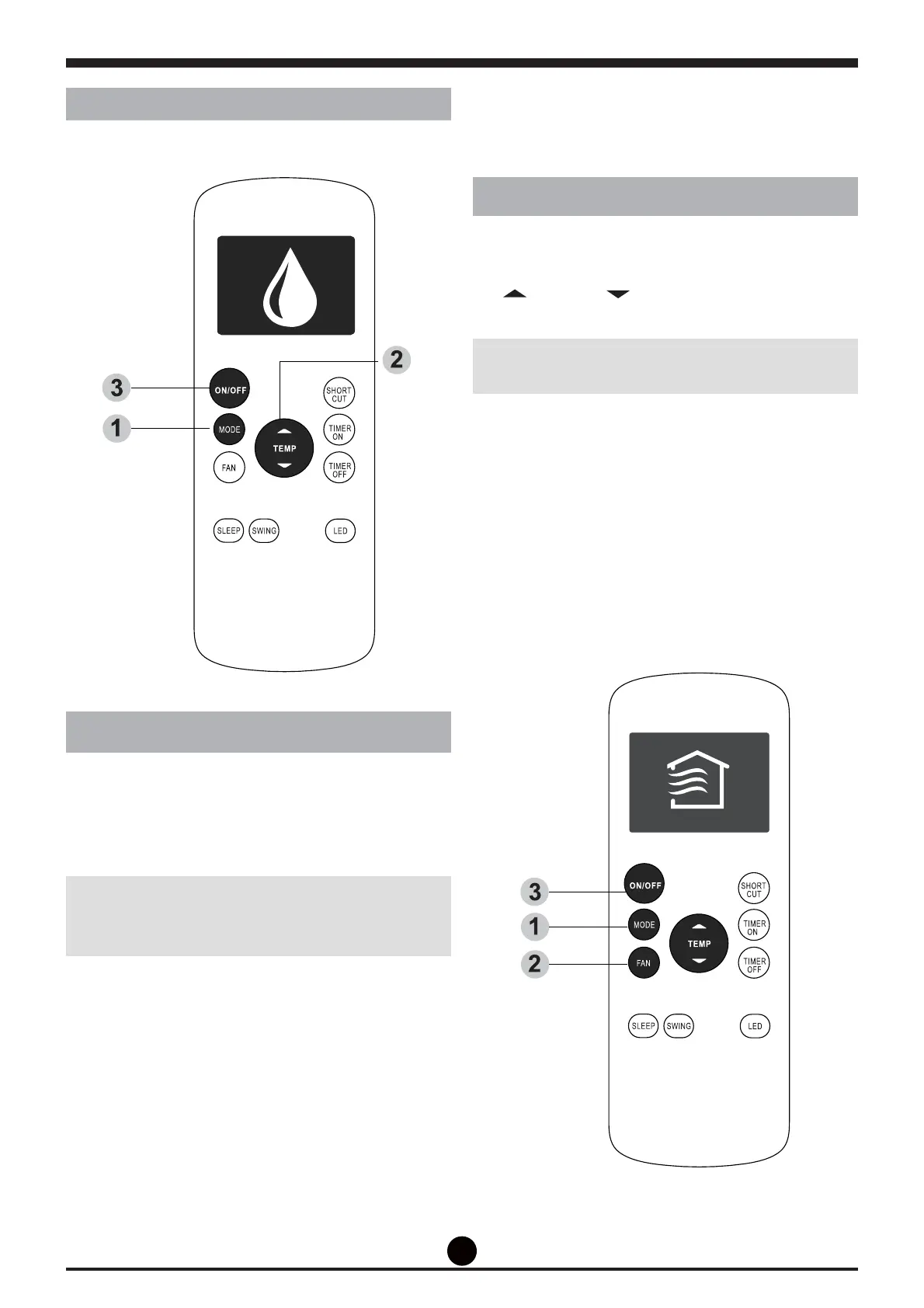
1. Press the MODE button to select FAN mode.
2. Press FAN button to select the fan speed:
AUTO, LOW, MED or HIGH.
3. Press the ON/OFF button to start the unit.
NOTE: You can’t set temperature in FAN mode.
As a result, your remote control’s LCD screen will
not display temperature.
DRY operation (dehumidifying)
1. Press the MODE button to select DRY mode.
2. Set your desired temperature using the Temp
or Temp button.
3. Press the 212)) button to start the unit.
NOTE: FAN SPEED can’t be changed in DRY
mode.


 To Next Page