Everlea Group Limited
Everlea Group LimitedEverlea Group Limited
Everlea Group Limited
www.everlea.co.nz
www.everlea.co.nzwww.everlea.co.nz
www.everlea.co.nz
5 .Time synchronization with Caller ID
Synchronize the time with FSK Caller ID
6 .Language
You can choose Traditional Chinese, Simple Chinese or English as system
language.
7 .LCD Contrast
Adjust the contrast of LCD display, the higher the brighter. Range 1-6
8 .SD Card Reserve Space
SD card can be set to retain the capacity for system smooth running.
9 . Format SD Card
Format SD Card will remove all audio files.
10 .Default Setting
Reset to factory default.
8 Record
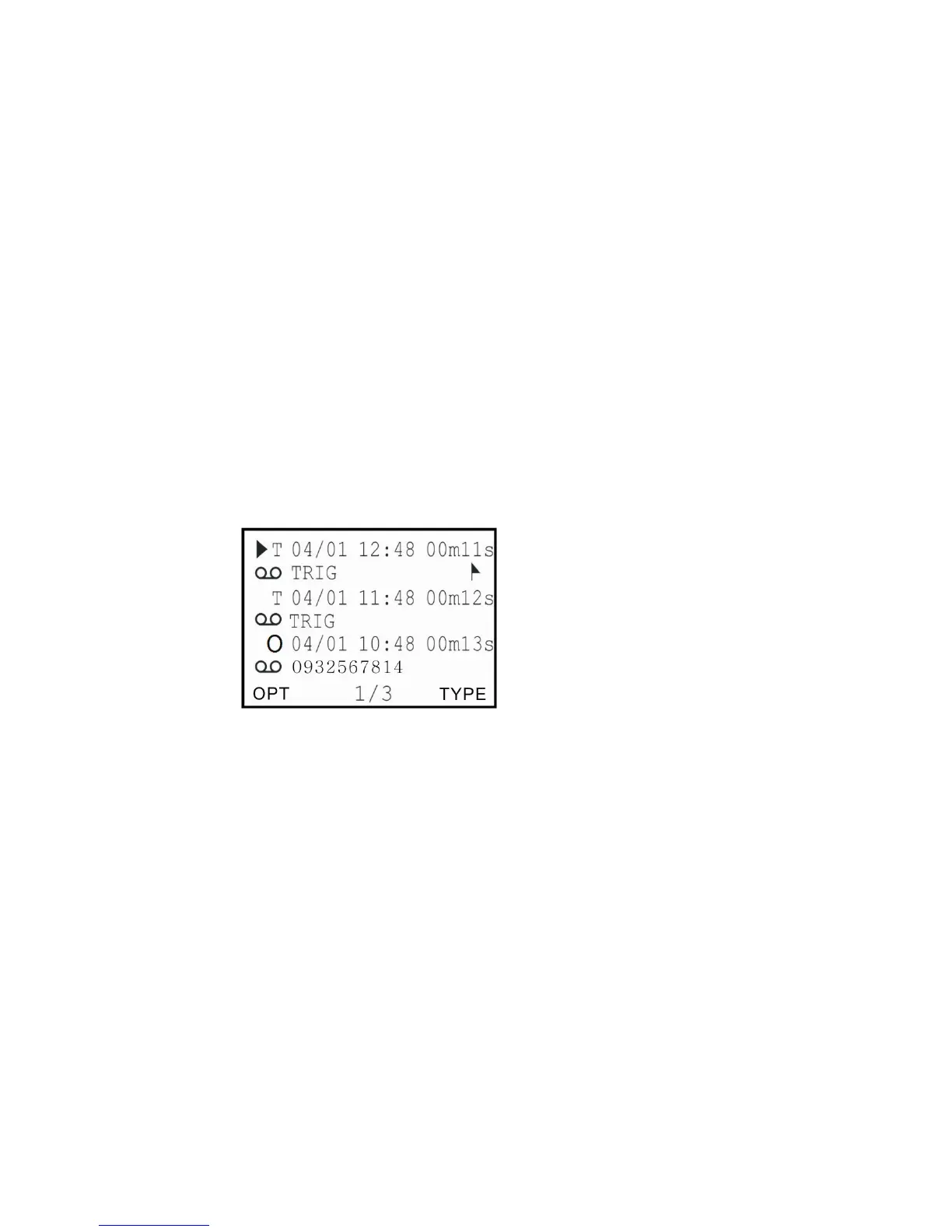
(A) Records Display Description


 To Next Page