Page 50
Orba User Manual
Settings
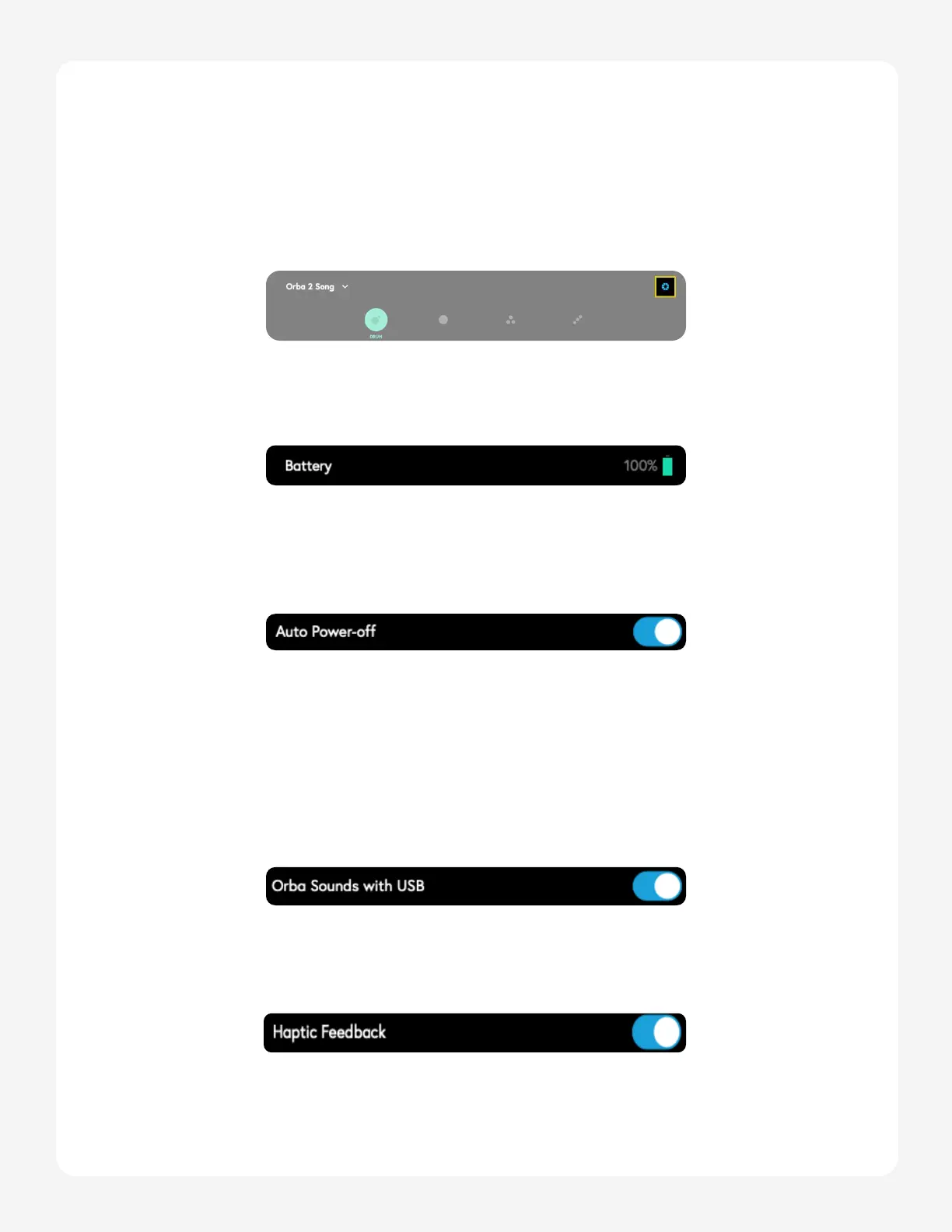
To access your Orba’s hardware settings click the top-right Orba wedges when in Play
mode. Let’s get techy.
Battery
This display shows Orba’s battery percentage.
Auto Power-off
In order to conserve battery, Orba will shut off after being idle for a couple of minutes.
You can disable this by toggling the Auto Power-Off button within the Orba settings.
Orba Sounds On/Off
When you use Orba as a MIDI controller to trigger sounds in external software or hard-
ware, you may want to temporarily disable Orba’s internal synth to prevent it from inter-
fering with the sounds in your external gear. Otherwise, you’ll hear two sounds every time
you play (which could be awesome!). Do this by toggling the Orba Sounds On/Off setting.
(This function only works when Orba is connected vias USB).
Vibration/ Haptic Feedback
Orba’s haptic feedback can be disabled using the Vibration toggle.


 To Next Page