Page 6
Orba User Manual
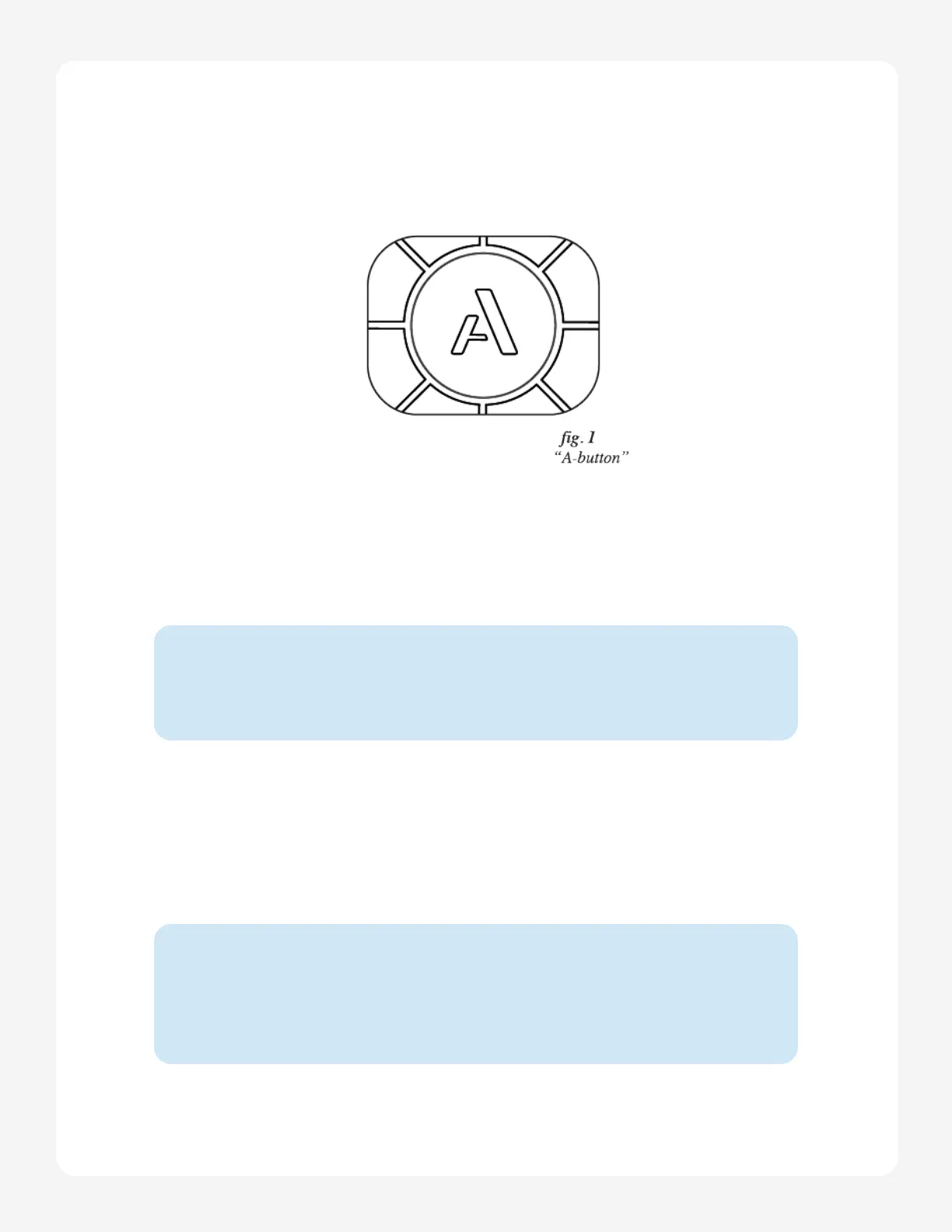
The “A” Button
You can think of the A button as a function or menu button, similar to modifier keys on
a computer like the Command key on Mac or the Control key on Windows. Any time you
want to change what you’re doing on Orba, you’ll use the A button to make it happen. A
single tap of the A button will cycle through each of the four main modes.
Try it:
Start in Drum mode and press the A button once.
Now you’re in Bass mode!
Try it:
If you don’t want to cycle between modes, you can jump to any playing
mode directly by holding A and pressing the pad for that mode.
Using the A Button to Switch Modes
Press and hold the A button, then press one of Orba’s instrument pads (pads 1-4) to acti-
vate that mode.


 To Next Page