Gree GMV6 DC Inverter VRF Units Service Manual
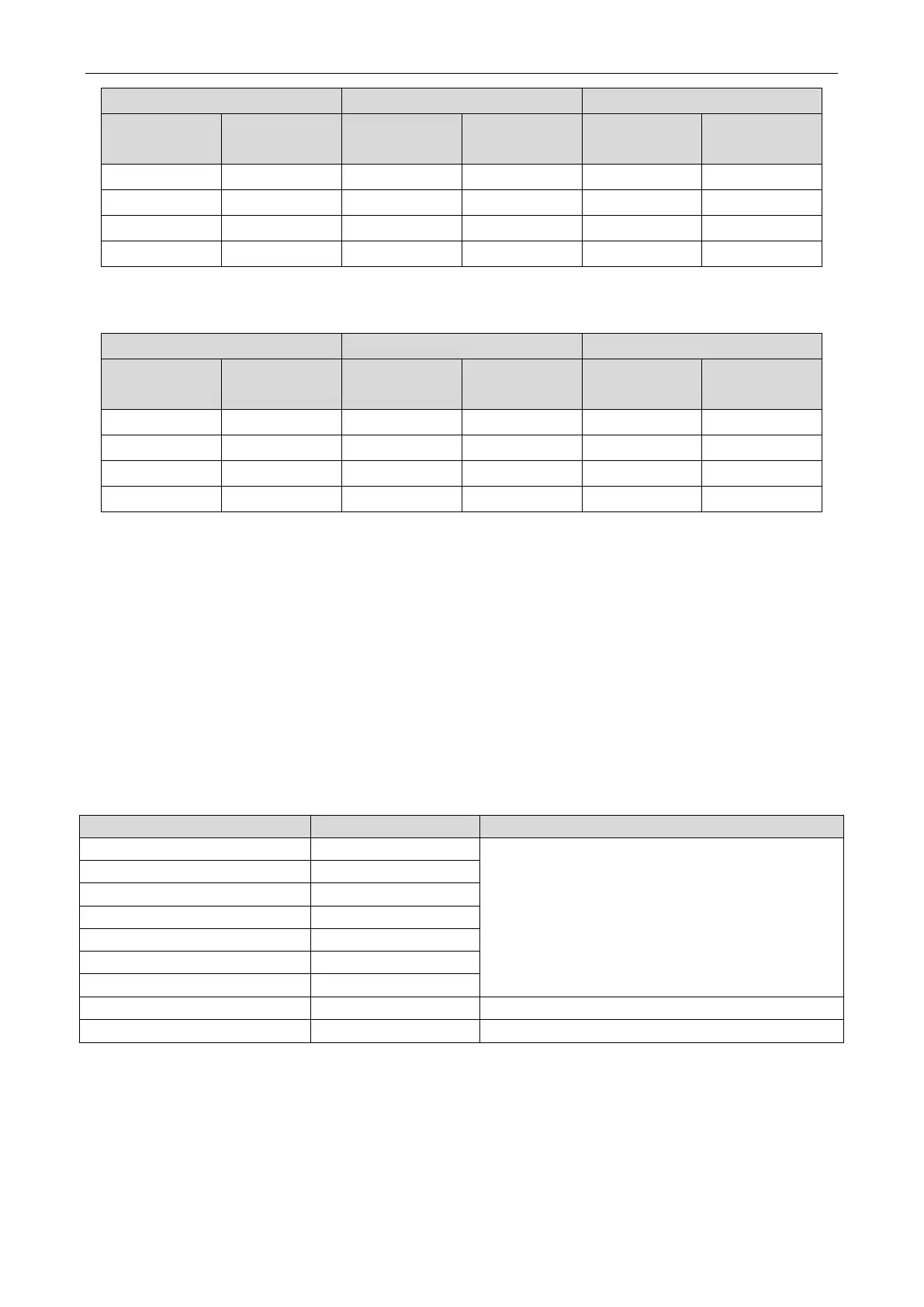
LED1 LED2 LED3
Function code Display status
Current
process/mode
Display status Current status Display status
A6 On nC Blinks nC Blinks
A6 On nH Blinks nH Blinks
A6 On nA Blinks nA Blinks
A6 On nF Blinks nF Blinks
Step 3:
After selecting the mode, press the SW3 confirm button. The master module displays as
follows:
LED1 LED2 LED3
Function code Display status
Current
process/mode
Display status Current status Display status
A6 On nC On nC On
A6 On nH On nH On
A6 On nA On nA On
A6 On nF On nF On
Press the SW4 back button on the master module to return to the previous process or exit the
function setting status.
The master unit memorizes this setting and does not clear it even upon power failure and power-on
again. The default value is nA cooling and heating mode.
4.2.3.3 A7 Outdoor Silence Mode
Introduction:
This function is mainly used in scenarios where the user requires low ambient noise. Smart night
silence mode and forced silence mode are available.
In smart night silence mode, need to set timer of outdoor units.
to ensure low-noise operation at night. Smart night silence mode has nine options:
Silence Mode Code Noise Level
Mode 1 01
Low noise
Mode 2 02
Mode 3 03
Mode 4 04
Mode 5 05
Mode 6 06
Mode 8 08 Medium-low noise
Mode 9 09 Ultra low noise
Note:
Highest temperature during the day generally appears during 13:00 and 15:00.
In forced silence mode, the system operates in low-noise mode regardless of day or night. This
mode has three options:


 To Next Page
 Loading...