Gree GMV6 DC Inverter VRF Units Service Manual
NOTES!
① A module can set only one compressor to emergency mode;
② The compressor emergency operation mode is valid only in single-module
multi-compressor system;
③ The default status is 00.
④ The system cannot run continuously for more than 24 hours in compressor emergency
operation status. If it exceeds 24 hours, the entire system is forcibly stopped, and the
indoor unit displays the "Ad" limit operation code.
4.2.3.12 C9 Fan Failure Emergency Operation
This function is after-sales emergency setting when a fan on a dual-fan module works abnormally. It
shields the abnormal fan in a short time to ensure the emergency operation of the system.
Setting steps:
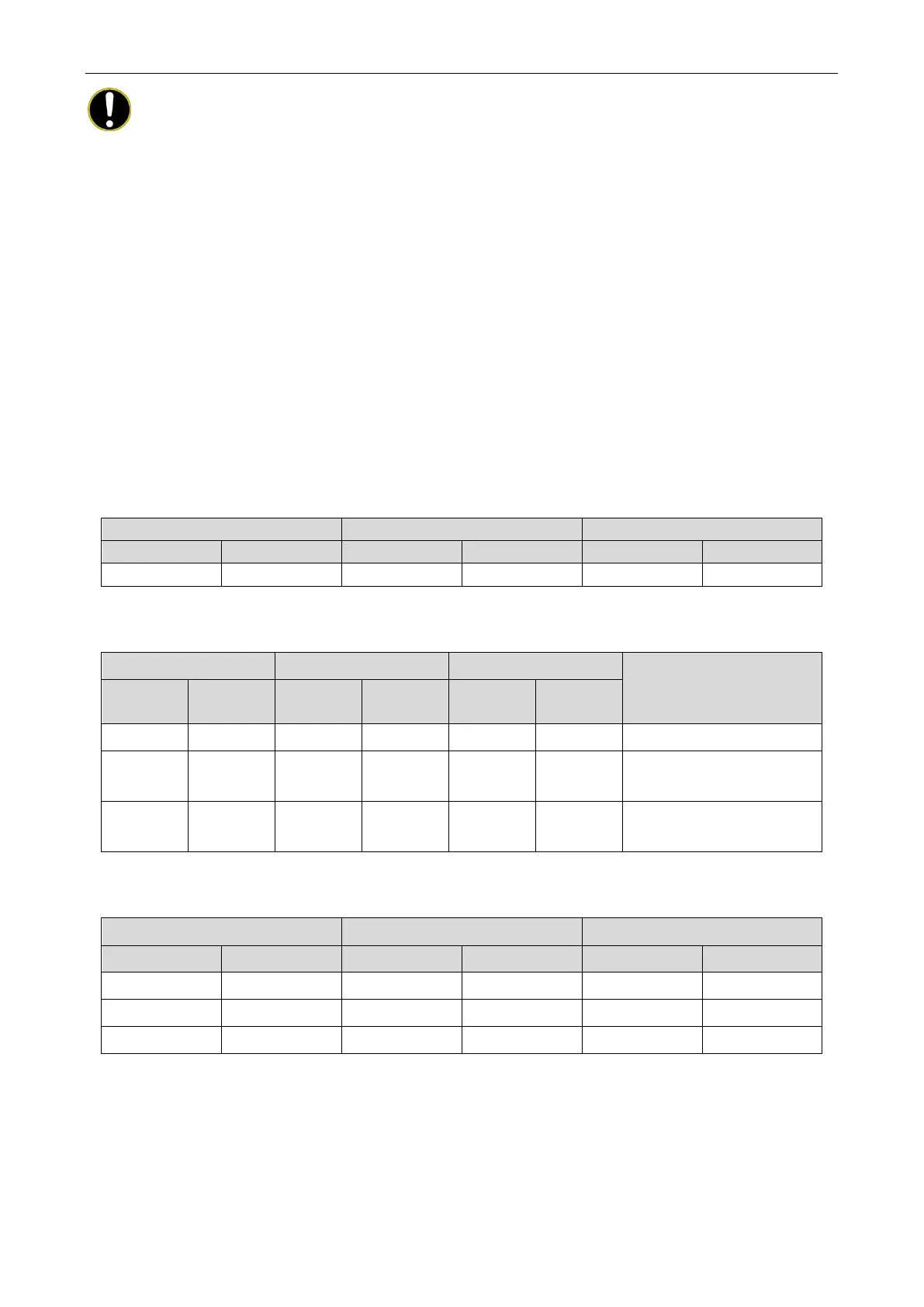
Enter the function setting on the main board of the faulty basic module. The module displays as
follows:
Press the SW1 up button and the SW2 down button to select the corresponding compressor
emergency operation status.
LED1 LED2 LED3
Description
Function
Display
Current
Display
Current
Display
C9 On 00 Blinks OC Blinks Fans 1 and 2 run normally.
C9
On 01 Blinks OC Blinks
The operation of fan 1 is
shielded.
C9
On 02 Blinks OC Blinks
The operation of fan 2 is
After selecting the corresponding value, press the SW3 confirm button. All modules display as
follows:
LED1 LED2 LED3
Function code Display status Mode Display status Current status Display status
C9 On 00 On OC On
C9 On 01 On OC On
C9
On 02 On OC On
The basic module memorizes this setting and does not clear it even upon power failure and
power-on again. The default value is 00.
Then, press the SW4 back button to return to the previous process. (During setting, press SW4 to
return to the previous process. If the setting is completed, press SW4 to resume the unit to the current
normal working status.)


 To Next Page
 Loading...