6) Wait 30 seconds.
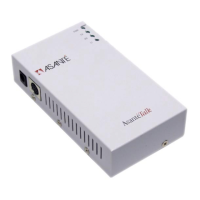
7) On the AsantéTalk, the power and “LI” lights should now be on solid.
8) Go to the Chooser in the Mac. Select the appropriate Appletalk driver for your
printer. The window to the right should then show your printer. For questions on
which driver should be selected, please contact your printers manufacturer.
9) Proceed with printer setup as outlined by the printer’s manufacturer.
* To decide when localtalk connectors are required instead of the din8 - din8 cable (D),
please see note 2 of the Most Common Problems Section.


 To Previous Page