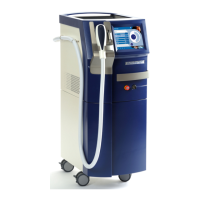
Technical data
12 1590 99 002_1 - 21. February 2011
3.4 Safety units
The device is equipped with several safety units that have been provided to avoid maloperation and
the unintentional activation of the system. All the persons who operate the laser or assist during the
treatment should make themselves familiar with these units.
Laser emergency STOP switch
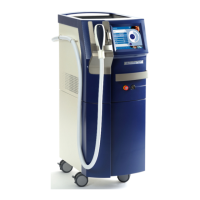
The red Laser emergency STOP switch at the front of the device (see figure below) is for the
purpose of switching off the system immediately in an emergency. It should only be activated in
emergency situations, i.e. if the emission has to be interrupted immediately.
To turn off the system immediately press this button. To unlock this button after the elimination of
the emergency, turn it to the left until it jumps out again.
Note
The Laser emergency STOP switch should not be used to turn the system on and off in it
normal condition.
Key switch
The key switch is used to activate the system. Only authorized persons having access to the switch
can start the system. The system can only be started via the key switch, if the Laser emergency
STOP switch has not been pressed.
WARNING
The laser device emits strong radiation in the infrared range. This radiation can cause
serious eye injuries if the device is not properly used.
The device must not be switched on or operated by unauthorized personnel.


 To Next Page
 Loading...