27
Customer Care Center, 1-800-898-1879, www.askousa.com
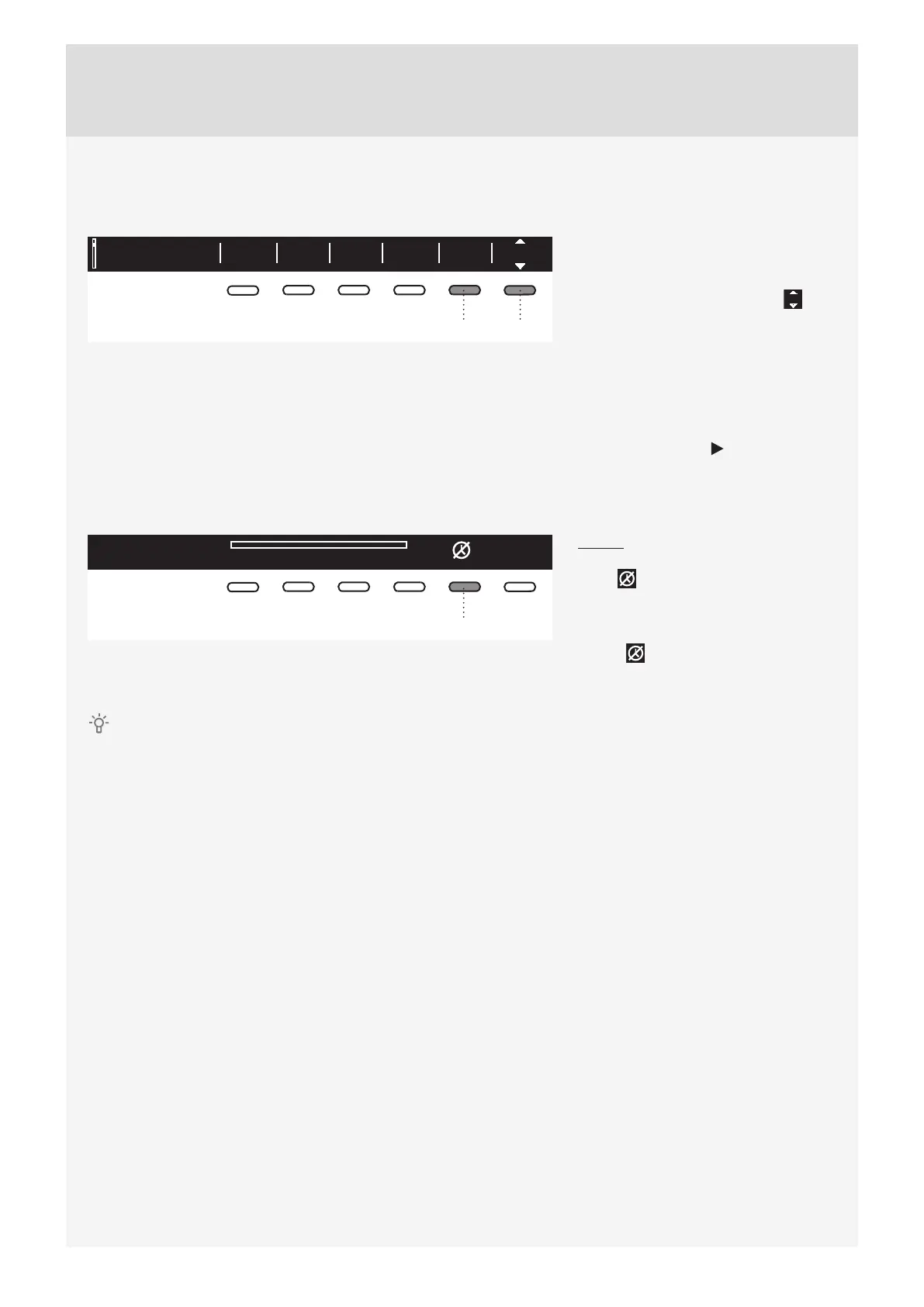
6. Start delay
Press the button 6 to choose the delayed start when you wish the washing program to start after a certain
period of time (30´ to 24 hours after you press the Start button).
Everyday wash OKOffWarm MinAllergy
2:11
65
The estimated time remaining until the
end of the washing program will be
indicated above the button 6.
Press the button 6 for the arrows to
appear.
Use the Program selector knob or the
button 6 to set the delay from 30´ to 6
hours in 30-minute steps, and then from
6 hours to 24 hours in 1-hour steps.
Press the button 5 (OK) to confi rm your
selection.
Press the Start button to start.
When the countdown reaches zero,
the selected washing program will start
automatically.
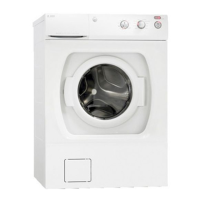
Delayed start paused
03:50
5
To cancel the delay and start the
washing process immediately, press the
button 5 .
When Start delay time is once set, it
is not possible to change it; the only
possibility is to »Skip it « with pressing
on button and immediately continue
with chosen program.
If you have set the delayed start function and you are using liquid detergent, we do not recommend
choosing a programme with a pre-wash cycle.


 To Next Page