22
6. Start delay
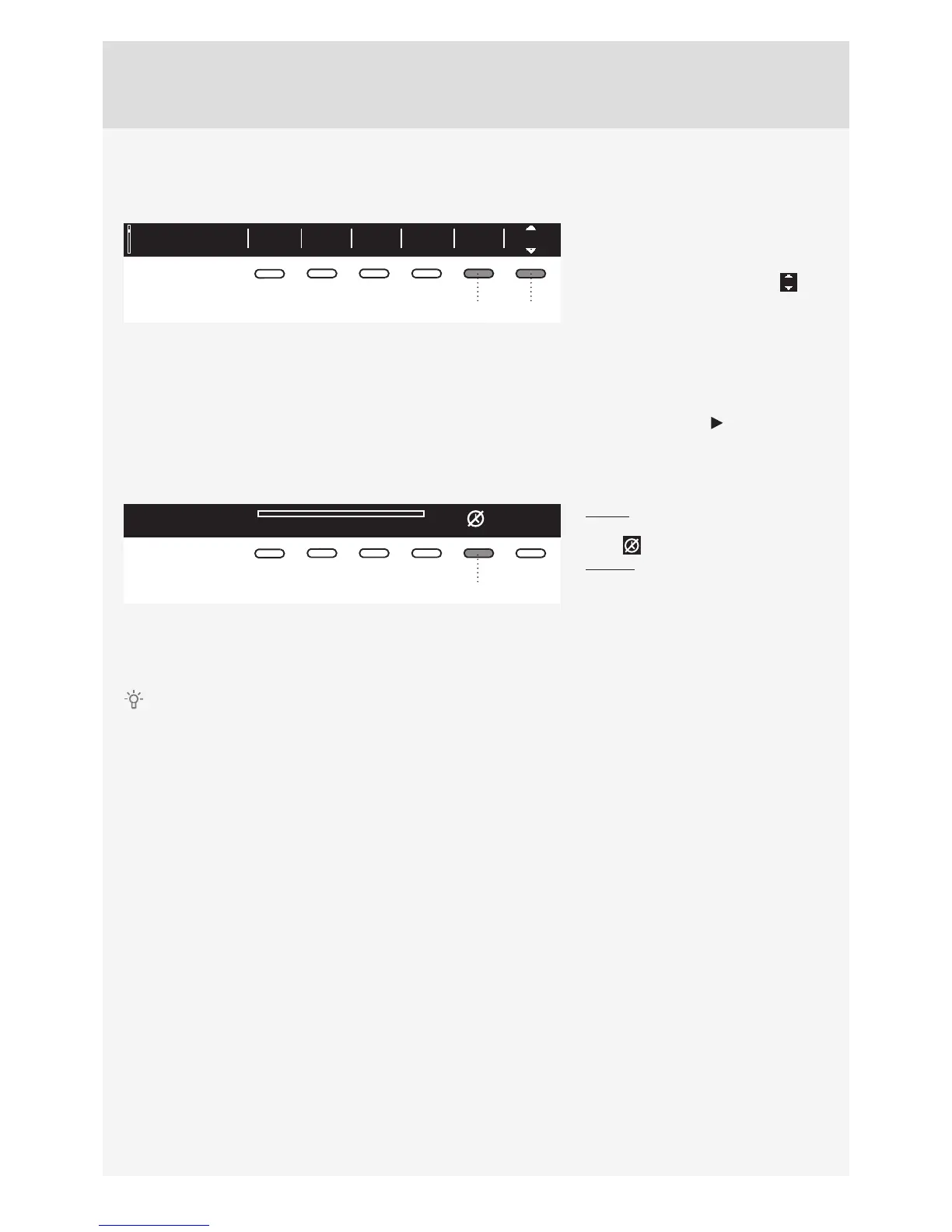
Press the button 6 to choose the delayed start when you wish the washing program to start after a certain
period of time (30´ to 24 hours after you press the Start button).
Everyday wash OKOff40°C 1400Allergy
2:11
65
The estimated time remaining until the
end of the washing program will be
indicated above the button 6.
Press the button 6 for the arrows to
appear.
Use the Program selector knob or the
button 6 to set the delay from 30´ to 6
hours in 30-minute steps, and then from
6 hours to 24 hours in 1-hour steps.
Press the button 5 (OK) to confi rm your
selection.
Press the Start button to start.
When the countdown reaches zero,
the selected washing program will start
automatically.
Delayed start paused
03:50
5
To cancel the delay and start the
washing process immediately, press the
button 5 .
To change the start delay time, press
the Start/Stop button and hold it for 3
seconds. Then, use the button 6 or the
Program selector knob to set a new start
delay time. After selecting the new delay
time, press the Start button again.
If you have set the delayed start function, and you are using liquid detergent, we recommend setting a
program without a pre-wash.



 To Next Page