18
English
2.4 Expansion Slots (PCI Express Slots)
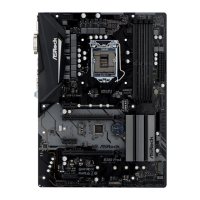
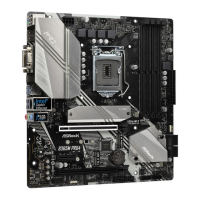
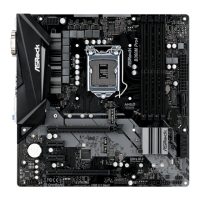
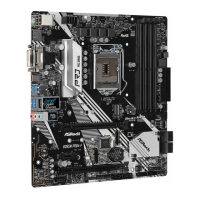
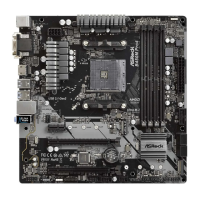
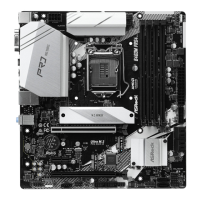
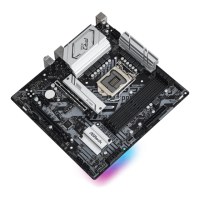
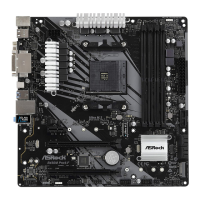
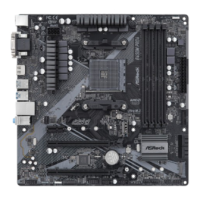
ere are 4 PCI Express slots on the motherboard.
PCIe slots:
PCIE1 (PCIe 3.0 x16 slot) is used for PCI Express x16 lane width graphics cards.
PCIE2 (PCIe 3.0 x1 slot) is used for PCI Express x1 lane width cards.
PCIE3 (PCIe 3.0 x16 slot) is used for PCI Express x4 lane width graphics cards.
PCIE4 (PCIe 3.0 x1 slot) is used for PCI Express x1 lane width cards.
PCIe Slot Congurations
For a better thermal environment, please connect a chassis fan to the motherboard’s
chassis fan connector (CHA_FAN1/WP, CHA_FAN2/WP or CHA_FAN3/WP) when
using multiple graphics cards.
Before installing an expansion card, please make sure that the power supply is
switched o or the power cord is unplugged. Please read the documentation of the
expansion card and make necessary hardware settings for the card before you start
the installation.
PCIE1 PCIE3
Single Graphics Card x16 N/A
Two Graphics Cards in
CrossFireX
TM
Mode
x16 x4


 To Next Page
 Loading...