English
6
WiFi Antennas Installation Guide
Step 1
Prepare the WiFi 2.4/5 GHz Antennas that come
with the package.
Step 2
Connect the two WiFi 2.4/5 GHz Antennas to
the antenna connectors. Turn the antenna clock-
wise until it is securely connected.
Step 3
Set the WiFi 2.4/5 GHz Antenna as shown in the
illustration.
*You may need to adjust the direction of
the antenna for a stronger signal.
Chapter 1 Introduction
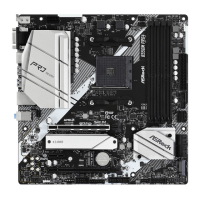
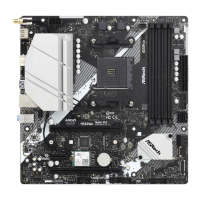
ank you for purchasing ASRock B550M/ac motherboard, a reliable motherboard
produced under ASRock’s consistently stringent quality control. It delivers excellent
performance with robust design conforming to ASRock’s commitment to quality
and endurance.
1.1 Package Contents
•
ASRock B550M/ac Motherboard (Micro ATX Form Factor)
•
ASRock B550M/ac Quick Installation Guide
•
ASRock B550M/ac Support CD
•
1 x I/O Panel Shield
•
2 x Serial ATA (SATA) Data Cables (Optional)
•
2 x ASRock WiFi 2.4/5 GHz Antennas (Optional)
•
1 x Screw for M.2 Socket (Optional)


 To Next Page
 Loading...