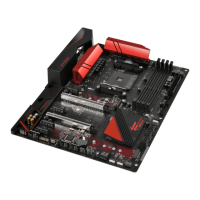
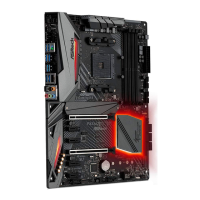
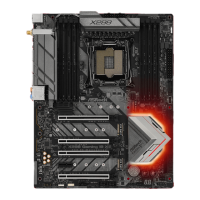
Fatal1ty X99 Professional Series
*e UEFI screen is for reference only. e actual screen may dier by model.
3.4.2 Conguring and Using Orbweb.ME Professional
Orbweb.ME Professional is a remote control soware allowing you to easily access and
control the remote host installed with the Orbweb.ME Professional host soware.
Installing Orbweb.ME Professional on the Host Computer
You can find the Orbweb.ME Professional host software in the Support CD or just
download it from http://orbweb.me.
Step 1
Click on the Orbweb.ME Professional installer package le to start installation.
Step 2
Follow the onscreen instructions to complete the installation.
Step 3
When installation completes, reboot the computer.
Signing Up for Host Computer Registration
Step 1
Double-click the Orbweb.ME Professional icon
on your desktop.
Step 2
On the Orbweb.ME Portal login page, click Sign Up to create an Orbweb.ME account and
name your host computer.



 To Next Page
 Loading...